"Attention split" is the silent killer of modern productivity.
You’re in a high-stakes strategy session, trying to capture the nuance of a client’s request while simultaneously nodding along to appear engaged. It’s a miserable juggling act. By the time the call ends, your notes are a fragmented mess of half-sentences and missed action items.
The era of manual transcription is dead. We’ve moved into the age of "Actionable Intelligence," where the goal isn't just to record what was said, but to automate what happens next. In 2025, the best AI scribes function as silent, tireless partners that distill hours of conversation into clear, structured, and ready-to-execute workflows.
What Should You Look for in an AI Scribe?
Not all scribes are created equal. When you’re shopping for these tools, look past the slick marketing landing pages and focus on the four pillars: Word Error Rate (WER) accuracy, integration depth, security posture, and human-in-the-loop editability. As noted in this rigorous methodology for testing AI meeting assistants, the best tools prioritize context over raw word count.
- Accuracy: If you have to spend 20 minutes cleaning up a transcript, you haven’t saved time—you’ve just shifted the burden. Look for tools that handle industry-specific jargon without hallucinating.
- Integrations: A transcript that lives in a silo is a ghost town. The scribe must push data directly into your CRM, Slack, or Notion. If it doesn't talk to your existing stack, it’s just a glorified tape recorder.
- Security: For professional use, SOC2 compliance is non-negotiable. Always verify that your vendor adheres to strict data retention policies, especially if you deal with sensitive client information.
- Editability: The best tools allow for "human-in-the-loop" refinement. You want an AI that provides a solid draft but gives you the final say before the data hits your project management software.
How Do These Tools Actually Change Your Workflow?
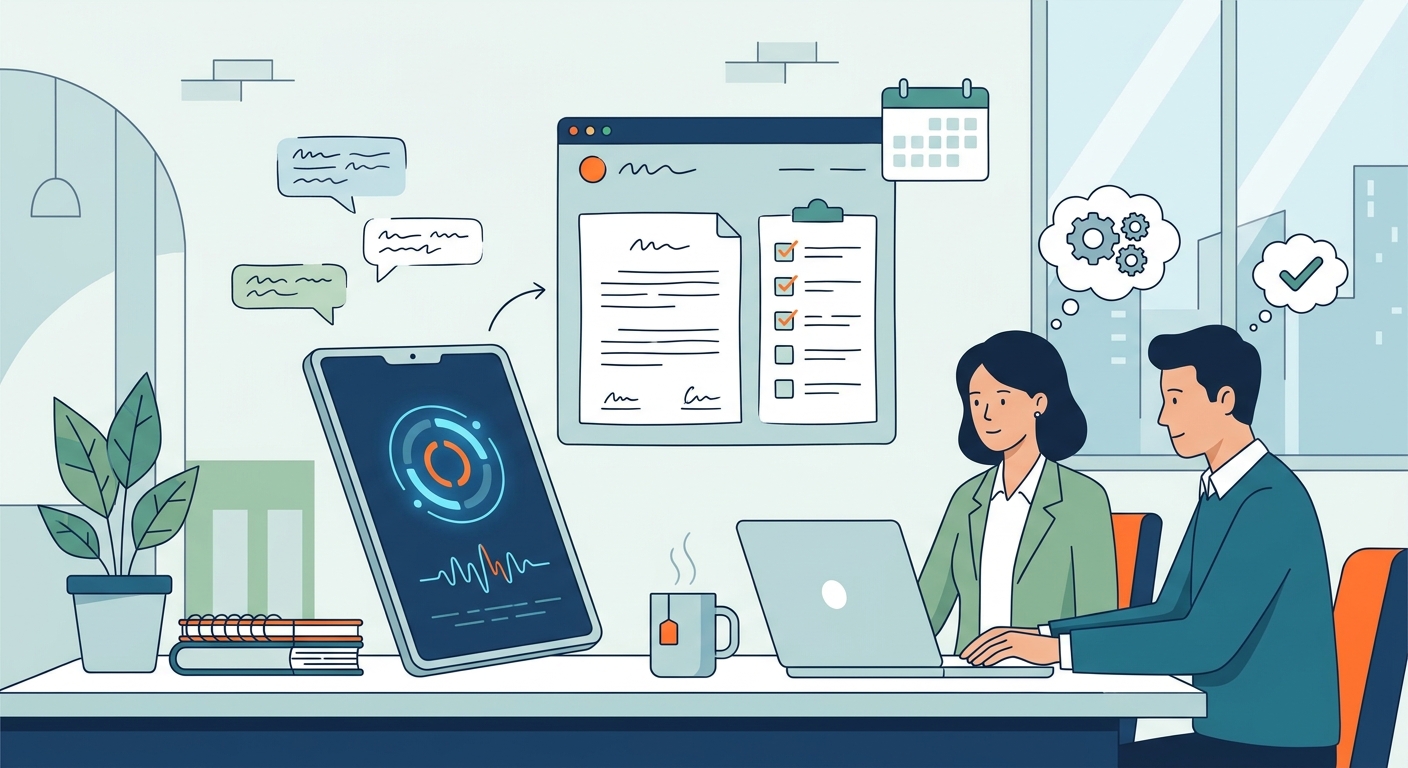
The transition from a raw recording to a finished project plan is where the real value lies. The modern workflow isn't about storage; it’s about velocity.
By automating the extraction of sentiment and tasks, you free your brain to focus on the conversation instead of the documentation. You're no longer the scribe; you're the strategist.
Which AI Scribe Is Best for Your Specific Needs?
1. Otter.ai (Best for General Collaboration)
Otter has long been the gold standard for teams that need a reliable, collaborative workspace. Its strength lies in its ability to handle multiple speakers with ease. It’s the "Old Reliable" of the bunch.
- Pros: Excellent speaker identification; great real-time collaboration features.
- Cons: Can struggle with highly technical, niche-industry vocabulary.
- Workflow Tip: Use the Otter assistant to automatically share summary snapshots into your team’s Slack channel the moment the meeting ends.
2. Fireflies.ai (Best for CRM Integration)
If your meetings are primarily sales-driven, Fireflies is the heavy hitter. It excels at pushing data into Salesforce, HubSpot, and Pipedrive. It’s built for revenue teams.
- Pros: Massive ecosystem of integrations; deep analytics on talk-to-listen ratios.
- Cons: The interface can feel overwhelming for non-sales users.
- Workflow Tip: Map Fireflies to trigger a "New Lead" task in your CRM whenever a prospect mentions a specific product name during a call.
3. Freed (Best for Clinical/Healthcare)
Healthcare requires a different level of precision and privacy. Freed is purpose-built for clinicians who need to document patient encounters without sacrificing the human connection. For those navigating the complexities of digital health, the future of AI in healthcare is increasingly centered on these specialized scribes.
- Pros: HIPAA compliant; understands medical terminology; reduces charting time significantly.
- Cons: Limited utility outside of healthcare settings.
4. Granola (Best for the "Edit-First" Workflow)
Granola leans into the reality that AI isn't perfect. It provides a clean, "edit-first" notepad interface that encourages you to curate your notes while the AI captures the transcript. It feels less like a bot and more like a smart intern.
- Pros: Elegant, distraction-free UI; feels like a professional note-taking tool.
- Cons: Lacks some of the deep automation features of enterprise-heavy tools.
5. Twofold (Best for Legal/High-Privacy)
When confidentiality is your primary concern, Twofold is the go-to. It offers robust, privacy-first architecture designed for legal teams and high-stakes consultants.
- Pros: Enterprise-grade security; zero-retention options available.
- Cons: Higher entry price point.
6. MeetJamie (Best for Sales Teams)
MeetJamie acts as a dedicated meeting companion. It’s particularly adept at summarizing complex discovery calls and surfacing key objections. It gets straight to the point.
- Pros: Highly intuitive summaries; great at identifying "intent."
- Cons: Best suited for English-language meetings.
7. Fathom (Best for Free-Tier Users)
Fathom is a favorite because it offers a surprisingly deep feature set for free. It’s the perfect entry point for freelancers or small teams testing the waters before committing to a monthly bill.
- Pros: Generous free tier; easy one-click setup.
- Cons: Advanced CRM integrations often require a paid upgrade.
8. Airgram (Best for Project Management Sync)
Airgram shines when you need to bridge the gap between a meeting and your project board. It excels at structuring meeting minutes into actionable tasks that aren't just fluff.
- Pros: Beautifully structured outputs; great Notion integration.
- Cons: Requires a bit of setup to get the sync parameters perfect.
9. Krisp (Best for Voice/Audio Clarity)
While known for noise cancellation, Krisp’s AI scribe features are a hidden gem for those working in noisy environments or with poor connectivity. If your audio is bad, your transcript will be garbage. Krisp fixes the audio first.
- Pros: Unmatched audio clarity; works in difficult environments.
- Cons: Transcription is secondary to audio processing.
How to Choose the Right AI Scribe for Your Team?
Choosing the right tool is a balancing act of security and utility. If you are an enterprise, prioritize understanding SOC 2 compliance before looking at features. For smaller teams, focus on speed of integration. If your team lives in Slack, pick a tool that pushes notifications there. If you live in a CRM, pick a tool that automates data entry. Treat this as a workflow extension, not just a software purchase.
Beyond the Transcript: Turning Meetings into Momentum
Capturing the transcript is only half the battle. Once you have the raw data, you need to transform it into output. While AI scribes capture the "what," you should use tools like LogicBalls to refine those meeting transcripts into polished executive reports or client emails. Furthermore, you can leverage LogicBalls to take the core themes of a brainstorming session and repurpose them into thought-leadership LinkedIn posts, ensuring your meeting time pays dividends long after the call ends.
Frequently Asked Questions
Are AI scribes safe to use for confidential client meetings?
Most enterprise-grade AI scribes are SOC 2 compliant, meaning they undergo rigorous security audits. However, always check if your provider offers "zero-retention" or "private cloud" options if you handle highly sensitive or privileged information.
Do I need to pay for a subscription to get accurate transcriptions?
While free tiers are excellent for casual use, paid subscriptions generally unlock industry-specific language models, unlimited storage, and deep CRM integrations that provide the real "actionable intelligence" teams need.
Can AI scribes accurately understand technical or industry-specific jargon?
Yes, but with caveats. Many high-end scribes allow you to build "custom vocabularies" or upload glossaries, which significantly improves accuracy for medical, legal, or engineering terminology.
How do these tools handle multiple speakers and accents?
Modern diarization technology has improved leaps and bounds. Most of the top-tier tools on this list can accurately distinguish between speakers, even in meetings with five or more participants, though thick accents can still occasionally lead to minor transcription errors.
Conclusion: The "Human-in-the-Loop" Advantage
The most effective AI scribe is the one that disappears into your existing stack. Don't fall for the trap of choosing the tool with the most bells and whistles; choose the one that actually saves you clicks.
Remember, AI is an assistant, not a replacement for your judgment. Keep the "human-in-the-loop"—review the summaries, verify the action items, and use the technology to reclaim your focus rather than simply outsourcing your memory. At the end of the day, you're the one steering the ship; the AI is just the engine. Make sure it's taking you where you actually want to go.