Copilot and Work Documents: What Microsoft's Documentation Says About Accuracy
AI accuracyMicrosoft Copilotmodel documentation
 Ankit AgarwalMarketing Head
10 min readHow we fact-check
On this page
- Microsoft publishes no accuracy figure, and says why
- What Microsoft says goes wrong
- Permissions decide which file becomes the evidence
- A fresh index of old files is still old
- Long documents: the middle and the end get less attention
- Citations are the check, not the proof
- The checklist: nine checks for a Copilot answer from work documents
- How This Guide Was Sourced
- Frequently Asked Questions
- Conclusion
- Related reading
Microsoft publishes no accuracy percentage for Copilot answering from your work documents, and its own documentation explains why it does not: it defines performance as the application doing what users expect. What Microsoft does document, in detail, is how Copilot decides which files to read — your permissions, the semantic index, and how long documents are handled. Each of those mechanics is a specific, checkable way an answer drawn from work files can be wrong while citing a real file.
Everything below comes from Microsoft Learn and Microsoft Support pages retrieved 2026-09-17, plus two arXiv papers on retrieval over documents. One naming note first: Microsoft's documentation states that "Microsoft 365 Copilot is now named Microsoft Copilot", with older names still appearing during the transition. This post covers Copilot used with a work or school account.
Key Takeaways
- No accuracy number is published. Microsoft's application card says performance "must be defined more flexibly" and describes its evaluations without reporting scores (Microsoft Learn application card, retrieved 2026-09-17, SOURCED).
- Grounding in your files does not prevent invention. Microsoft says that when summarising several sources, Copilot "may include information in its response that isn't present in its input sources" (same page, retrieved 2026-09-17, SOURCED).
- Permissions decide which file becomes the evidence. Copilot "only surfaces organizational data to which individual users have at least view permissions" — a security boundary, not a check that the file is current (Microsoft Learn privacy documentation, retrieved 2026-09-17, SOURCED).
- Long documents get uneven attention. Microsoft Support says models "tend to prioritize content that is at the beginning and end of a file" and that Word summaries do not always cite later content (Microsoft Support, retrieved 2026-09-17, SOURCED).
- The citation is the check. Microsoft lists "missing or irrelevant citations" among the outcomes its own evaluations look for, so open the cited file rather than trusting that one exists.
Microsoft publishes no accuracy figure, and says why
The application card for Microsoft Copilot (for organizations), dated 2026-08-18, addresses accuracy directly and declines to reduce it to a number: "With Microsoft Copilot, two different users might look at the same output and have different opinions of how useful or relevant it is, which means that performance for these systems must be defined more flexibly. We broadly consider performance to mean that the application performs as users expect" (application card, retrieved 2026-09-17, SOURCED).
It does describe how quality is evaluated. "Evaluations for metrics like groundedness, response quality, and citation relevance used established LLM-as-judge methods. Offline test sets included factual queries, multi-document comprehension, summarization, and representative enterprise scenarios." It names what a bad result looks like: "unsupported claims, missing or irrelevant citations, or inconsistent outputs under similar prompts." No scores accompany that description.
Google, by contrast, publishes factuality scores for Gemini — covered in what Google's own documentation says about Gemini accuracy. Neither tells you how often an assistant will be wrong about your files, because no vendor benchmark contains them (what "99% accurate" actually means, ANALYSIS).
What Microsoft says goes wrong
- Invention during summarisation. "In summarizing content from various sources, Microsoft Copilot may include information in its response that isn't present in its input sources. In other words, it may produce ungrounded results" (application card, retrieved 2026-09-17, SOURCED).
- The range of failure. "The outputs generated may be inaccurate, incomplete, biased, misaligned, or irrelevant to your intended goals" (same page, SOURCED).
- Fluency without judgement. On Copilot in Word: "Copilot in Word writes in a fluent, grammatically correct way, but the content it generates can be inaccurate or inappropriate. It can't understand meaning or evaluate accuracy, so be sure to read over what it writes, and use your judgment" (Copilot in Word FAQ, retrieved 2026-09-17, SOURCED).
The first line is the one that matters for work documents. Grounding gives the model the right files; it does not stop the model writing a sentence those files never contained.
Permissions decide which file becomes the evidence
Copilot reads what you can read. Microsoft states that it "only surfaces organizational data to which individual users have at least view permissions" (privacy documentation, retrieved 2026-09-17, SOURCED), and the architecture page repeats it: "Data access is always scoped to the signed-in user's permissions" (architecture documentation, retrieved 2026-09-17, SOURCED).
That is a security boundary. It is not an accuracy check, and the difference has two practical consequences (ANALYSIS):
- Two colleagues can get different answers to the same question, because each answer is grounded in a different set of files.
- If you can see last year's deck and not this year's, last year's deck is the evidence. The answer will cite a real file, and the citation will look fine.
Microsoft's own governance documentation connects stale content to answer quality. Its overview says tools to "reduce oversharing and cleanup inactive sites" will "declutter Copilot's data sources and improve the quality of the responses" (Copilot overview, retrieved 2026-09-17, SOURCED). Its SharePoint guidance says lifecycle policies "help ensure Copilot and agentic experiences reference current content" (SharePoint Advanced Management for Copilot, retrieved 2026-09-17, SOURCED). A control designed to ensure current content is referenced implies that, without it, outdated content can be.
A fresh index of old files is still old
The semantic index is quick to update. Microsoft documents that new SharePoint documents accessible to two or more users "are indexed daily", and "when an indexed user and tenant level document is updated, the changes are immediately indexed" (semantic indexing for Copilot, retrieved 2026-09-17, SOURCED).
An up-to-date index faithfully contains every copy that still exists: Pricing_v3_FINAL.docx, Pricing_v4.docx, and the PDF exported from v2 (ANALYSIS). Freshness is about when a file was read, not whether it is the current file.
Research on retrieval systems describes what happens next. In an experience report drawn from three case studies in research, education and biomedicine, Barnett et al. list "Not Extracted" as a failure point in which the answer is present but the model fails to extract it, noting that "typically, this occurs when there is too much noise or contradicting information in the context" (Seven Failure Points When Engineering a Retrieval Augmented Generation System, arXiv:2401.05856, retrieved 2026-09-17, SOURCED). Their study did not test Copilot. The mechanism is general.
One detail cuts the other way: Microsoft's file-type table lists archived SharePoint data as not supported by the index (same page, SOURCED). Archiving superseded versions takes them out of what Copilot can retrieve (ANALYSIS).
Long documents: the middle and the end get less attention
Microsoft Support is candid here. "Depending on the type of tasks you give Copilot, there are times that Copilot will focus only on the beginning of the document and then ignore anything beyond that." And: "Large language models (LLMs) tend to prioritize content that is at the beginning and end of a file. Accordingly, the results you get may give less attention to content that was in the middle of a long file" (How reference and document lengths affect Copilot responses, retrieved 2026-09-17, SOURCED).
The Word summary page adds a citation gap: "Although Copilot takes the entire document into account, it currently doesn't always provide citations to later document content" (Create a summary of your document with Copilot in Word, retrieved 2026-09-17, SOURCED).
Published research found the same pattern: Liu et al. report that "performance is often highest when relevant information occurs at the beginning or end of the input context, and significantly degrades when models must access relevant information in the middle of long contexts" (Lost in the Middle, arXiv:2307.03172, retrieved 2026-09-17, SOURCED). Their 2023 models were not Copilot's.
Microsoft's own fix is to summarise in parts: split long reports and summarise sections separately.
Citations are the check, not the proof
Microsoft states that "where possible, responses in Microsoft Copilot that are based on business documents include references to the sources for users to verify the response", and that users are "advised to check the source materials" (application card, retrieved 2026-09-17, SOURCED).
"Where possible" means some responses will have no reference. And because Microsoft's evaluation criteria list "missing or irrelevant citations" as a bad outcome, a present citation can still point at a file that does not support the sentence beside it. If Copilot is not the only assistant your team uses, the wider set of fixes is in how to stop ChatGPT from making things up. The general method for following a claim to its origin is in how to trace an AI claim back to its original source.
Which Copilot you are using also changes what it read. Microsoft's overview says Copilot Chat (Basic) "primarily uses web data", and that with Work IQ off, responses "aren't grounded in Microsoft Graph and Work IQ" (Copilot overview, retrieved 2026-09-17, SOURCED).
The checklist: nine checks for a Copilot answer from work documents
Copy it into your team's review notes; the page is the asset, there is no download. Checks built from the mechanics above rather than stated by Microsoft are ANALYSIS.
The source
- Open every cited file. A factual claim with no citation is treated as ungrounded until you find it yourself — Microsoft says references appear only "where possible".
- Confirm the sentence is in the file. Search the cited document for the number, name or date. Multi-source summaries are where Microsoft says unsupported content appears.
- Check each claim is attributed to the right file when the answer draws on several. Contradicting files in context are a documented retrieval failure.
The version
- Check the cited file is current. Look at its modified date, its location and its name.
v3_FINALnext to av4is the whole problem in one folder. - Look for a newer copy you cannot see. For anything you will share, ask the document owner which file is canonical.
The coverage
- For a summary of a long file, spot-check the middle and the last third against the summary. Those are the parts Microsoft says get less attention and fewer citations.
- Check whether the session read your files at all — which Copilot experience, whether work grounding was on, whether a file was attached.
The answer
- Watch for arithmetic across sources. A total or percentage that appears in no single file was computed, not retrieved. Recompute it.
- Re-run with the file attached explicitly and compare. Microsoft documents that when a SharePoint library or folder is attached, the grounding step "uses the library's column metadata alongside file content to constrain and rank results" (semantic indexing, retrieved 2026-09-17, SOURCED).
For content that will be published rather than used internally, the full pre-publication list is the 42-check AI fact-check checklist, and the fast single-answer triage is the two-minute routine.
How This Guide Was Sourced
Written and maintained by the LogicBalls editorial team (logicballs.com). Disclosure: LogicBalls builds AI writing tools and routes work to models from several providers. This post describes Microsoft's documented behaviour for Copilot with work files; it is not a purchase comparison, names no alternative and recommends none.
Sources. Microsoft Learn: the application card for Microsoft Copilot (for organizations), dated 2026-08-18, the privacy, architecture and overview pages, semantic indexing for Copilot, and SharePoint Advanced Management guidance. Microsoft Support: the document-length guide, the Word summary page and the Copilot in Word FAQ. Research: Barnett et al. (arXiv:2401.05856) and Liu et al. (arXiv:2307.03172). All retrieved 2026-09-17 and linked inline; every quotation was matched against the page text on that date.
Pin your reading. Microsoft has renamed the product and revises these pages often. Feature names such as Work IQ are as documented on the retrieval date.
What could not be verified. Microsoft publishes no accuracy, hallucination or citation-error rate for Copilot, so none is given here. No Microsoft page we found states which version Copilot prefers when several copies of a document are accessible; the version guidance above is analysis, marked as such. Neither research paper evaluated Copilot. We ran no test of our own.
AI involvement. AI assisted with research and drafting. Every quotation and URL was checked against the live page text on 2026-09-17 before publication.
No LogicBalls telemetry is used in this guide. Every figure above is external and linked.
Frequently Asked Questions
How accurate is Copilot with work documents?
Microsoft does not publish a figure. Its application card describes evaluations of groundedness and citation relevance without scores, and says Copilot may include information not present in its sources when summarising.
Does Copilot always use the latest version of a file?
Microsoft documents that updates to indexed documents are indexed immediately, but not which copy wins when several exist. If an older copy is accessible to you, it can be retrieved. Check the cited file's date and location.
Do citations mean the answer is correct?
No. Microsoft lists missing or irrelevant citations among the bad outcomes its evaluations look for. A citation tells you where to check, not that the sentence is supported.
Conclusion
Microsoft's documentation does not promise accuracy. It says grounded answers can contain unsupported content, access rather than currency decides what gets read, and long files get uneven attention. The nine checks above turn those into a routine.
Related reading
Related Articles
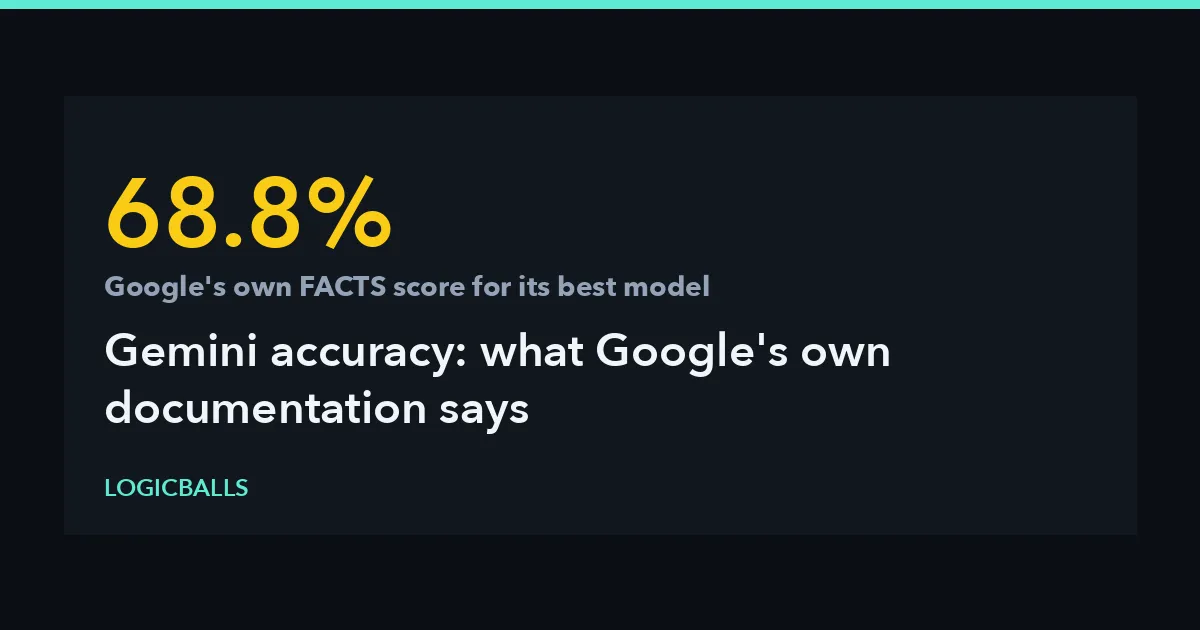 AI accuracyGemini Accuracy: What Google's Own Documentation SaysGoogle publishes factuality numbers for Gemini, and its own benchmark suite puts every model tested below 70%. Here is what those figures measure, and where an independent benchmark disagrees.Ankit Agarwal9 min read
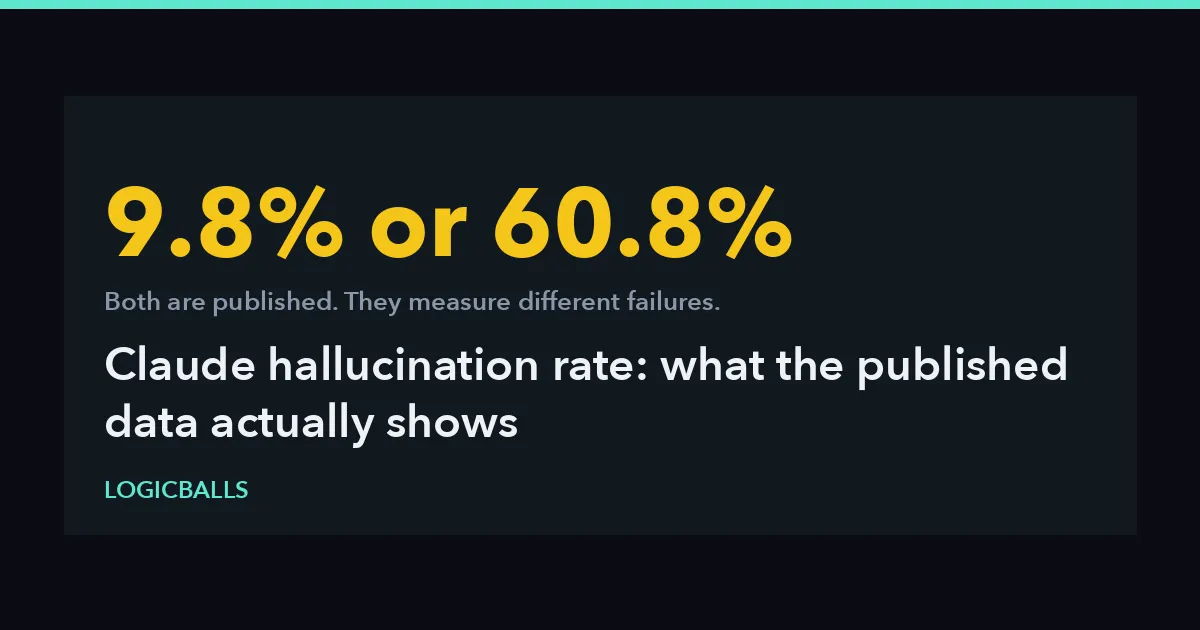 AI accuracyClaude Hallucination Rate: What the Published Data Actually ShowsThree published measurements put Claude's hallucination rate at 9.8%, at 60.8%, and at 6% higher than the previous model. All three are correct, and none of them is the number.Ankit Agarwal13 min read
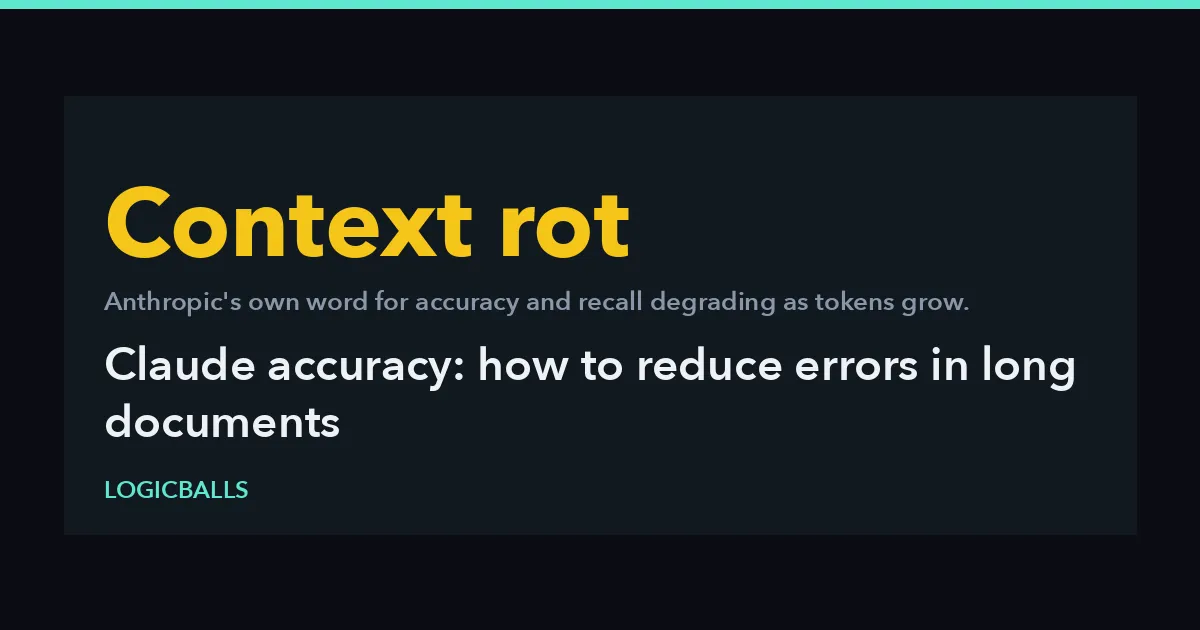 AI accuracyClaude Accuracy: How to Reduce Errors in Long DocumentsAnthropic documents context rot, sentence-level citations and a quote-first pattern, and publishes no error rate. Four reasons long documents go wrong and six documented controls.Ankit Agarwal12 min read
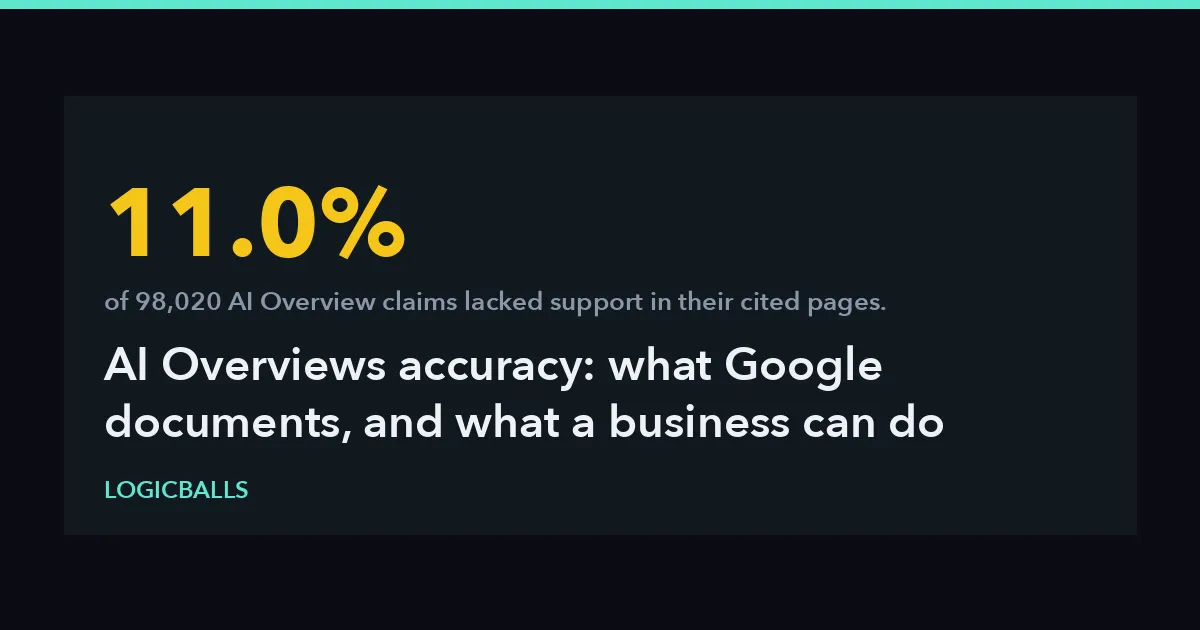 AI OverviewsAI Overviews Accuracy: What Google Documents, and What a Business Can Do When It Is WrongGoogle says AI Overviews can and will make mistakes. What its own documentation names as failure modes, what a 98,020-claim study measured, and the routes a business actually has.Ankit Agarwal10 min read