5 Ways to Use AI Content Generation to Save 20+ Hours a Week
AI content generationproductivitycontent creation workflowsave time with AIAI writing tools
 Ankit AgarwalMarketing Head
Updated 6 min readHow we fact-check
On this page
- 1. Turning Messy Brain-Dumping into Structured Drafts
- 2. Automating Your "Voice" to Eliminate Editing Time
- 3. The Secret to Batch-Processing Your Content Calendar
- 4. Using AI to Triage Your Daily Information Overload
- 5. Building a "Drafting Engine" for High-Cognitive Tasks
- Conclusion: Stop Typing, Start Architecting
- Frequently Asked Questions
- Related reading
You’re losing twenty hours a week. Not to strategy. Not to high-level creative breakthroughs. You’re losing them to the drudge work—the friction of the blank page, the endless inbox triage, and the soul-crushing repetition of repurposing the same idea for five different platforms.
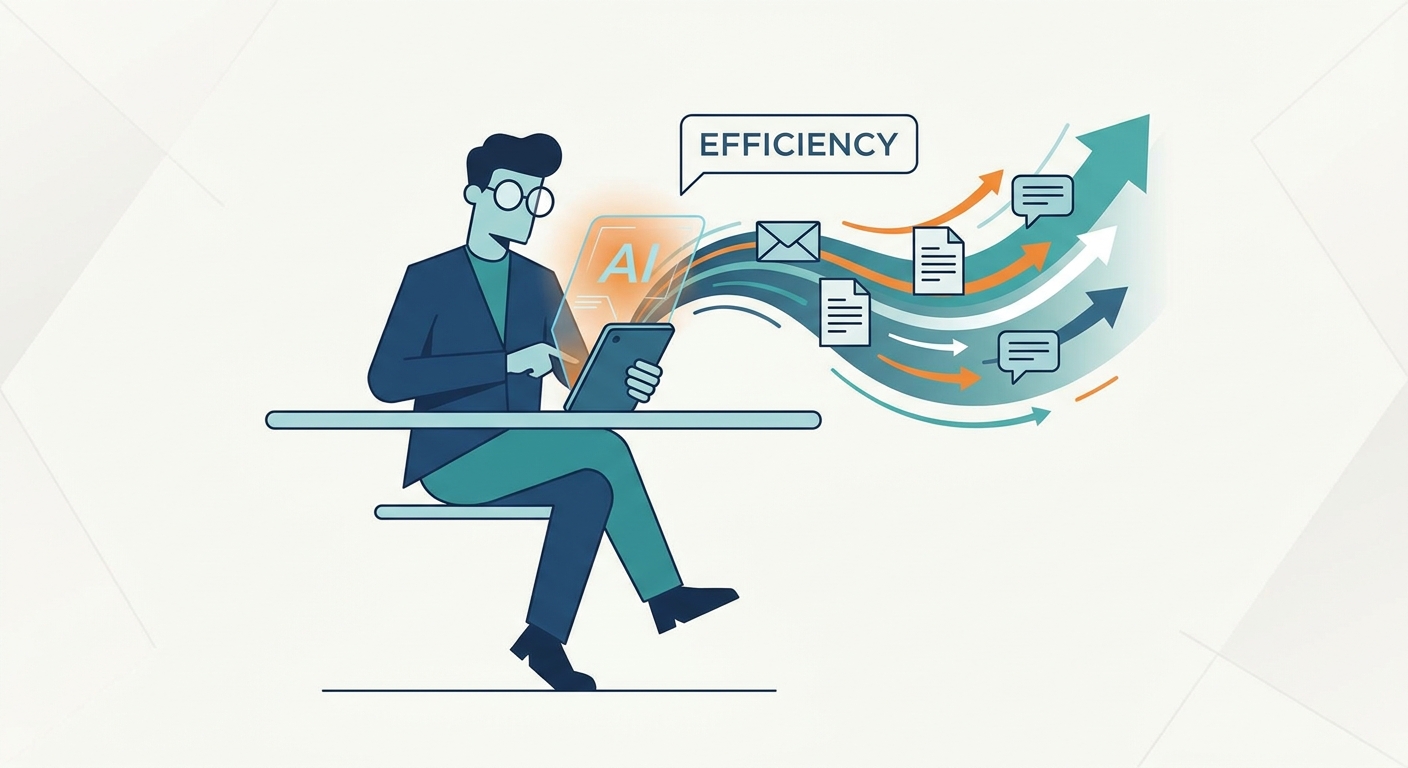
The promise of AI isn't to replace your brain. It’s to act as a tireless, high-speed drafting engine. It handles the structural heavy lifting so you can get back to the architectural decisions that actually matter. As noted in recent AI Productivity Trends 2026, the people winning right now aren't just "using AI"—they’re weaving complex, automated workflows into the very fabric of their daily grind.
1. Turning Messy Brain-Dumping into Structured Drafts
The biggest barrier to productivity? The blinking cursor. It’s a paralyzing, soul-sucking void. Most professionals try to write and structure simultaneously, which is a cognitive disaster. It’s like trying to build a house while you’re still mining the ore for the nails.
Stop trying to write "perfectly" on the first pass. Treat your raw thoughts, disorganized audio transcripts, or chaotic bullet points as the raw fuel for an AI Content Generator.
By feeding your stream-of-consciousness notes into a structured engine, you bypass the friction of the setup. The AI doesn’t need to be your final author. It just needs to be your organizational assistant. It takes your scattered concepts and maps them into a logical flow. Suddenly, a ten-minute "brain dump" becomes a robust, ready-to-edit outline.

2. Automating Your "Voice" to Eliminate Editing Time
Why does most AI output sound like a corporate robot wrote it in a vacuum? Because you didn't give it any rules. If you ask an AI to "write a blog post," you’ll get a generic, beige result that requires twenty minutes of heavy editing just to make it sound like a human being.
The secret? Build a "Voice Constraints" library.
Before you generate a single sentence, give the machine a rulebook. Define your sentence length. Tell it which metaphors you like. Tell it which corporate buzzwords make you want to scream. This is the core of Prompt Engineering Best Practices. When you calibrate the AI to mirror your specific cadence and vocabulary, the output shifts from "drafting" to "finalizing." You stop being a writer and start being an editor. That’s where the time savings live.
3. The Secret to Batch-Processing Your Content Calendar
Linear content creation is a productivity killer. Writing one post, then another, then another? That’s for amateurs. To save real hours, you need a "Master Content" workflow.
Generate one high-value, long-form asset first. Use a specialized Blog Post Writer to build the core argument, the data points, and the narrative arc.
Once that "Master Asset" exists, it becomes your source material. Ask the AI to strip out three LinkedIn posts, two email newsletter segments, and a series of short-form video scripts from that one document. By batching everything, you move from creating five disjointed pieces to managing a single, cohesive ecosystem. This shift alone can reclaim four to six hours of your work week.
4. Using AI to Triage Your Daily Information Overload
Your inbox and your calendar are where your most valuable hours go to die. We tend to consume information linearly, reading every email or transcript from start to finish. It’s an inefficient, clunky habit.
Instead, use AI for "Layered Information Processing."
When a meeting ends, feed the transcript into your AI engine. Ask for an executive overview, a bulleted summary, and a list of key quotes. You can scan the core info in seconds. If you pair this with The Pomodoro Technique Explained, you can blast through your entire morning’s worth of communication in thirty minutes flat. The rest of your day is finally open for deep, meaningful work.

5. Building a "Drafting Engine" for High-Cognitive Tasks
Let’s talk about proposals. Manually writing a custom proposal for every lead is a massive, repetitive drain. It’s the same structure, the same value proposition, just different names and numbers.
Build a "Drafting Engine." Create a workflow where you input the client’s pain points, your proposed solution, and your pricing. You can generate a high-quality, personalized first draft in seconds.
The "Before" is a three-hour slog of staring at a blinking cursor. The "After" is a five-minute input phase and ten minutes of strategic polish. The twenty hours you save aren't just "time reclaimed"—they’re hours you can now invest in high-impact decision-making and genuine relationship building. That’s the work that actually grows a business.
Conclusion: Stop Typing, Start Architecting
The goal here isn't to do more work. It’s to change your identity from "content creator" to "content architect."
You define the structure. You provide the voice. You set the strategy. The AI acts as the engine, turning your intent into reality with terrifying speed. If you keep typing every sentence from scratch, you’re just a laborer in your own business. Integrate these five workflows, stop the cycle of administrative drudgery, and start reclaiming the time you need to do the work that actually moves the needle.
Frequently Asked Questions
Does AI-generated content sound robotic?
Not if you use effective prompting. By defining your brand voice and providing specific context and "voice constraints" before generating, you ensure the output stays conversational, human-centric, and aligned with your unique style.
How much time does AI actually save per day?
On average, users who implement these structured workflows report saving 1–2 hours daily by automating repetitive tasks like email triage, meeting summaries, and drafting initial outlines.
Is it safe to use AI for all my document generation?
AI is an excellent drafter but a poor final editor. Always use AI for the "heavy lifting"—structuring your thoughts and generating drafts—and spend your human time on the "polishing"—fact-checking, adding nuance, and final tone adjustments.
What is the biggest mistake people make with AI prompts?
The biggest mistake is a lack of context. People often ask for output without providing background information, audience constraints, or style guides. You must provide the "why" and the "how" before the AI can provide the "what."
Can these workflows work for small teams or just individuals?
These workflows are highly scalable. Once you establish a "Voice Constraints" library and a "Master Content" template, your entire team can use the same prompts, ensuring consistent output and massive time savings across the organization.
Related reading
- 8 AI Apps Like ChatGPT and Notion That Actually Save You 10+ Hours Weekly
- Automate Content Creation: 7 Ways to Save Time with AI Writing Assistance
- What Smart Job Seekers Know About Decision Fatigue (And How AI Can Save Their Sanity)
- Need an AI Content Generation Tool? Here’s What to Look for in 2026
Related Articles
 AI content tutorialMastering AI-Powered Content Generation: A Step-by-Step TutorialStop using AI as a shortcut. Learn to build a high-fidelity content pipeline that pairs AI efficiency with human strategy and Google E-E-A-T standards.Deepak Gupta7 min read
 AI content workflowFrom Prompts to Posts: Safe and Effective AI Content WorkflowsLearn how to plan secure and efficient AI content workflows. Boost productivity, protect data, and create quality content with smart AI tools.Deepak Gupta4 min read
 AI content creationAI-Powered Content Creation: LogicBalls' Guide to Supercharging Your Writing WorkflowDiscover how to use AI tools like LogicBalls to supercharge your content creation. Learn tips and strategies for brainstorming, writing, editing, and optimizing your content.Ankit Lohar9 min read
 automate content creationHow to Automate Content Creation: A Step-by-Step Workflow for TeamsStop manual drafting. Learn to build an agentic content workflow that scales production velocity while keeping your brand voice human and strategic.Ankit Agarwal7 min read