From PDF Files to Editable Documents: Practical Workflows for Modern Businesses
convert PDF to Worddocument workflow automationPDF editing toolsbusiness productivity tipsdigital document management

On this page
- Why Businesses Still Need Flexible PDF Workflows
- Converting PDF Content When Text Needs More Flexibility
- Working With Scanned Documents
- From Static Documents to Fillable Forms
- Collecting Information Through LinkToFill
- Preparing Documents for eSignatures
- Practical Use Cases Across Business Functions
- Security and Document Control
- Building a Consistent Electronic-Document Process
- FAQ
- Conclusion
The advantage of PDF files lies in their ability to preserve the formatting of the document, but business processes frequently require more flexible solutions than a static file can offer. The document may need to be modified, rearranged, or prepared for other actions. A PDF editor can facilitate this task, as well as those workflows in which a team needs to convert PDF to Word before any other actions with text.
For companies dealing with electronic documents on a regular basis, the objective is not only to change the file format. It is to create a process which would help them to keep the information structured and at the same time make the document editable, filled, reviewed and shared. This is possible due to pdfFiller's PDF editing, OCR, fillable forms, eSign, document management, and other features.
Why Businesses Still Need Flexible PDF Workflows
PDFs are usually utilized in situations where the look of the document should remain consistent regardless of the device on which the document is opened. In such a case, it becomes applicable to use PDFs in any agreement, form, report, application, and many other kinds of documents that are meant to go through many parties.
The problem comes up when there is a need to make some useful changes. Making changes to the parts of the document, extraction of information from a scanned document, adding some fields, and preparing the document for signing requires more than just the opening and viewing of the file.
It is important for a company to have a flexible PDF workflow to cater to different needs. This may include the editing of the PDF document, converting information into a useful format, making the document fillable, and making it ready for signing.
Converting PDF Content When Text Needs More Flexibility
There are occasions when it becomes necessary to convert a PDF into an editable format, instead of keeping it in its fixed state. For instance, a business may get an agreement that has to be changed extensively, or a group of people may require reusing the information from one PDF in some other document.
The crucial difference is between the two: viewing a PDF and editing its contents. The former approach can be quite helpful in case of extensive text editing; the latter one is more relevant when there is a necessity to make some changes in the original document without rebuilding its format.
What matters is what should be done with the document in question. It is important to realize whether one is going to revise the text or complete
Working With Scanned Documents
However, not all PDFs have editable text right away. Some are produced through scans, which makes it that what looks like readable text is actually an image rather than text.
OCR or Optical Character Recognition comes into play here. Through OCR, pdfFiller can turn the text of a scanned file into an editable format, making it possible to use the information contained in a scanned file in digital processing.
Take for instance the case of a company receiving scanned agreement papers or records written in the past. The scanned file does not have to be treated as an image but OCR can make the text editable so as to work on it. The text, nonetheless, needs to be verified using the original scan especially if there are names, numbers, and other important details included in the document.
When OCR Makes Sense
OCR can be especially helpful when:
-
A physical document has been scanned and stored as a PDF file.
-
Text that already exists requires editing.
-
Text needs to be reused within a digital process flow.
-
A document requires becoming a part of the fillable-form process.
-
A team requires less manual retyping of the visible text.
This does not mean eliminating the review process altogether. It means making scanned information easier to work with within other documents.
From Static Documents to Fillable Forms
The PDF becomes more helpful for any repetitive business process if one can input information in particular fields. The fillable form gives an opportunity to collect names, dates, signatures, contacts, choices, and other data in a convenient format.
With pdfFiller, one can create and publish fillable forms and use their extensive library that includes more than 100,000 forms and templates. Form templates are particularly useful for organizations that need to fill the same kind of paperwork over and over again.
For instance, one can organize onboarding forms for HR departments with specific fields or create recurrent paperwork at a real estate office in connection with leases. It may be related to patient intake or consent forms in the healthcare sector.
A Typical Fillable-Form Workflow
Such a process could take place as follows:
-
First of all, choose a document that already exists or design a form template.
-
Study the document structure and requirements for information filling.
-
Insert corresponding fields.
-
Check the field placement and document readability.
-
Publish/distribute the document to the addressees.
-
Review collected information before passing the document to another step.
In this way, you separate the work on preparing the document and collecting the information within it.
Collecting Information Through LinkToFill
Sometimes it is necessary to send the form to those who are outside of the document editing process. Using the pdfFiller's LinkToFill feature, it is possible to make a document into the web link created for signing and collecting data.
Such an approach may help to solve the problem of obtaining some information from the customers, applicants, employees or any other external parties. Thus, instead of treating each filled out document separately, one can include it into the whole process of collecting.
This issue is significant for those organizations that constantly have to spread out similar forms. The standard form can be created once and included into the workflow and the obtained information can be analyzed within the document process of the organization.
Preparing Documents for eSignatures
Many electronic document flows always have to end up at the stage of signature. Rather than printing out the document and signing it manually before scanning it back into the computer, businesses can utilize eSign technology to make sure that their documents stay electronic.
The pdfFiller platform supports eSignatures in accordance with the ESIGN Act, UETA, eIDAS, and GDPR requirements. The capabilities of this software include certificate-based eSignatures and audit trails.
An audit trail is a log that relates to document processing. Based on the provided description of the product, pdfFiller Audit Trail will be able to track who accessed, modified, signed, or distributed the document along with other information such as time stamps and IP addresses.
Practical Use Cases Across Business Functions
The value of an electronic-document workflow becomes clearer when viewed through specific business tasks.
Real Estate
Real estate teams may handle leases, disclosures, purchase agreements, and related paperwork. A workflow can involve editing a document, adding fields, collecting information, and sending the finished document for signature.
Healthcare
Healthcare organizations may work with patient intake and consent forms. Where HIPAA requirements apply, the supplied pdfFiller information states that a signed BAA is available on specific plans. Organizations still need to establish workflows appropriate to their own compliance requirements.
Human Resources
HR teams can use structured electronic documents for onboarding materials, offer letters, policy acknowledgements, and other recurring paperwork. Fillable fields and eSign can help keep the process electronic from preparation through completion.
Accounting and Tax Preparation
Accounting workflows often involve forms and supporting documents that need to be reviewed, completed, and organized. pdfFiller also supports direct IRS submission for supported tax forms. This capability should be considered specifically in the context of the supported forms and the organization's own procedures.
Legal, Construction, and Insurance
Legal teams can encounter documents such as NDAs, affidavits, and engagement letters. Construction and insurance organizations may need forms and claims paperwork while employees work away from a traditional office. With web, iOS, and Android availability, electronic document work can take place across different devices.
Security and Document Control
The reason why business documents could contain sensitive information is the fact that document handling should take into consideration something more than editing convenience.
According to the pdfFiller document security information, the documents stay within the user’s private account and are not shared with any third parties and not used for training AI models. The service uses SOC 2 Type II certified data centers and 24/7 threat detection.
The security measures involve 256-bit AES encryption, two-factor authentication, document password protection, signer authentication and expiry date for each document.
Security Features in the Workflow
Depending on the document and process involved, companies may have:
-
Two-factor authentication for an extra layer of account security.
-
Document-specific passwords for restricting access to each document.
-
Signer authentication if there is need for further authentication.
-
An expiry date beyond which access to the document is restricted.
-
Audit Trails for keeping record of activities related to the document.
The compliance details provided below include SOC 2 Type II, HIPAA, GDPR, CCPA, PCI DSS, and FERPA.
Building a Consistent Electronic-Document Process
What matters most in a good workflow is not using one tool but linking several tools together in a logical way. A document could start as a PDF, be edited or OCRed, be turned into a fillable document, get data through a web link and finally be run through an eSign process.
This workflow can easily be adjusted to meet the demands of different departments. The same company could have one workflow for HR onboarding, one for real estate documents and one for healthcare-related documents.
The important thing is to understand what has to happen at each step before choosing the right document feature. Not all PDFs need to be converted, not all documents need to be made into fillable documents, and not all workflows will need an electronic signature.
FAQ
What is the difference between editing and converting a PDF?
Editing involves modifying content that is contained in the PDF file, including text, graphics, comments, stamps, or annotations. On the other hand, conversion refers to transforming the document into a new format with a different workflow process. It all comes down to which process is more important—preserving PDF structure or making the document more editable.
Can scanned PDFs be made editable?
Yes, pdfFiller also offers Optical Character Recognition (OCR) service for scanned documents to make their content editable. Once you apply OCR to your document, you will have a chance to edit the produced content. It is vital to check the edited version of the document, especially if it contains detailed data.
Can a PDF be turned into a fillable form?
Yes. PdfFiller allows users to create fillable forms and share them online. The user can make a document that will have spaces for collecting information from people who will be filling it out. Also, there is a huge collection of pre-designed forms and templates, more than 100,000 of them.
Does pdfFiller support electronic signatures?
Yes. pdfFiller complies with the ESIGN Act, UETA, eIDAS, and GDPR standards in terms of the use of eSignatures. The features include eSignature certificates and an Audit Trail function. The Audit Trail feature logs any changes in documents including views, edits, signatures, and shares.
How does pdfFiller protect documents?
Product information provided contains 256-bit AES encryption both while in transmission and at rest, two-factor authentication, document passwords, extra signatory authentication, and expiry dates. Documents are stored within the personal account of users and never used for training any AI models.
Can electronic documents be handled on mobile devices?
Also, pdfFiller can be used through its online application along with its applications for iOS and Android. This makes the use of workflow on electronic documents possible outside the desktop system, which could prove beneficial for those who have to work with documents on various supported devices.
Conclusion
Contemporary enterprises frequently deal with PDFs at different points of the same workflow. The document might have to be modified, converted, OCRed, made editable, signed, and archived along with the tracking of its activity.
The tools provided by pdfFiller are capable of covering all the necessary steps of electronic-document management. The editing of the document and the use of OCR technology help to take care of the stage of preparing the document. The remaining stages of the process can be handled with the use of forms, LinkToFill, eSign, and Audit Trail.
Related Articles
 PDF translatorHow to Add a Free PDF Translator to Your Everyday Document WorkflowStop wasting time on manual document translation. Learn how to integrate a free, efficient PDF translator into your daily workflow to boost productivity today.Hitesh Kumawat8 min read
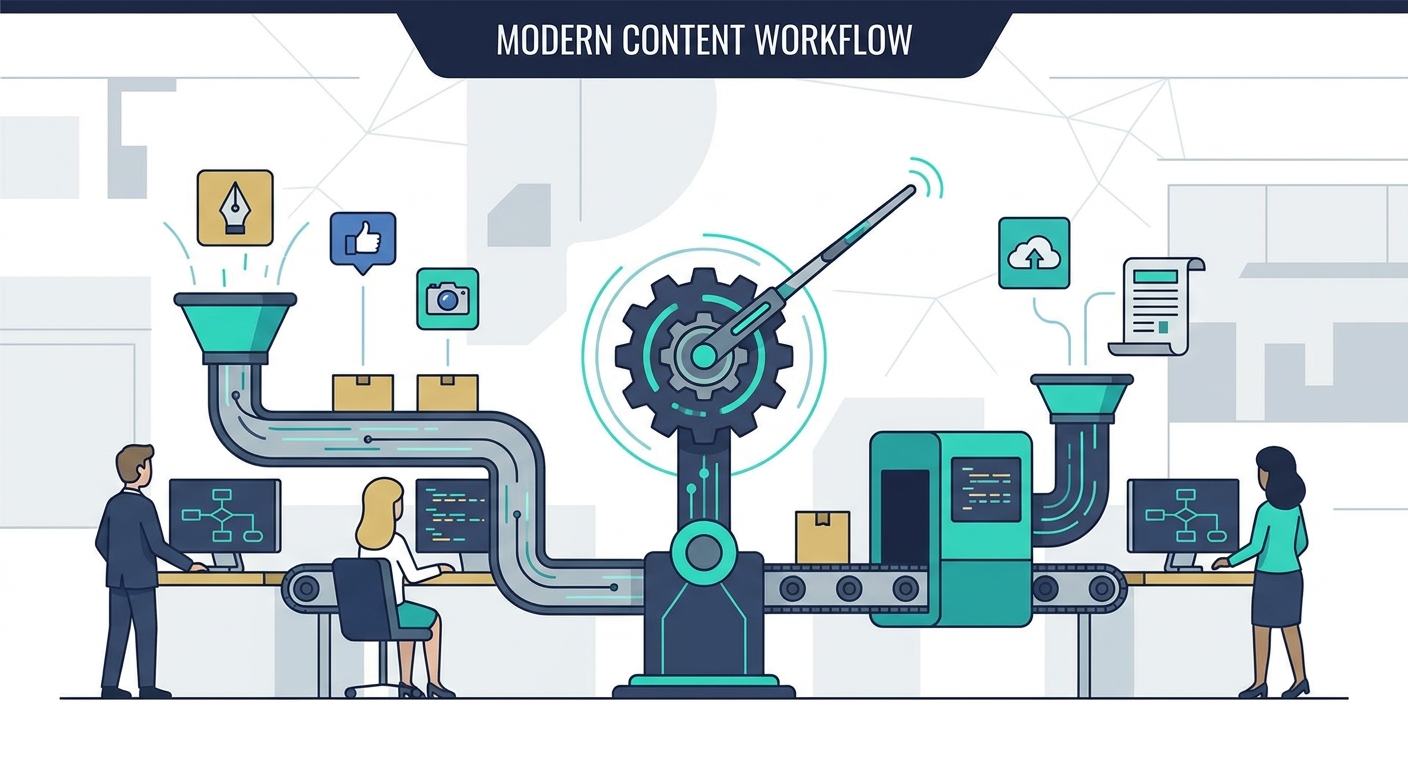 automate content creationHow to Automate Content Creation: A Step-by-Step Workflow for TeamsStop manual drafting. Learn to build an agentic content workflow that scales production velocity while keeping your brand voice human and strategic.Ankit Agarwal7 min read
 B2B AI transformation, AI business productivity, AI workflow automation, AI tools for B2B, AI-powered business growthThe AI Revolution: How B2B Leaders Are Transforming Business Productivity in 2026Learn how B2B leaders use AI to boost productivity, cut costs, and scale workflows in 2026 with real-world examples and results.Deepak Gupta9 min read
 AI productivityAI Productivity Tools Don’t Work Without Clarity Behind The Wheel. 5+1 SolutionsAI productivity tools fail without clear goals. Learn 5+1 practical ways to declutter your mind, set priorities, and make AI work for you.Ankit Agarwal5 min read