Top 6 AI Tattoo Makers to Design Your Next Ink-Worthy Masterpiece
 Hitesh Kumar SutharSenior Software Engineer
Updated 6 min readHow we fact-check
On this page
The tattoo world is evolving—fast. With the rise of artificial intelligence, what once required hours of sketching and consultations can now be generated in minutes. Enter the AI tattoo maker: a revolutionary tool that transforms your ideas, images, or even audio into striking tattoo designs. Whether you're looking to turn a portrait into body art or brainstorm concepts with stylistic flair, AI-driven platforms are becoming the new go-to for modern tattoo enthusiasts. Below, we explore six of the most talked-about AI tattoo maker—and how they cater to different creative needs.
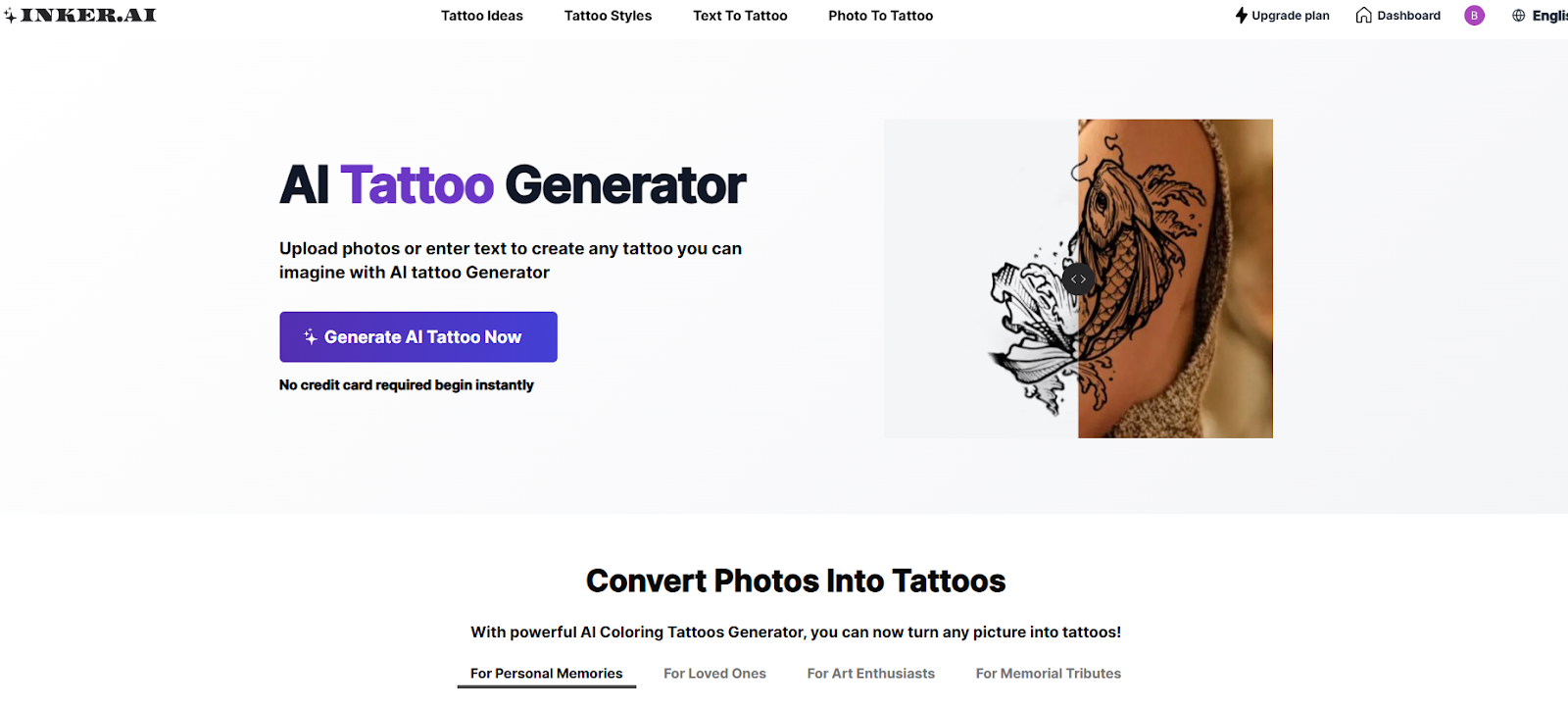
1. Inker AI
 Pros
Pros
- Highly intuitive design interface suitable for all user levels
- Supports multiple tattoo styles: line work, minimalism, realism, etc.
- AI generates custom tattoos from text prompts or images
- Placement preview helps users visualize how designs will look on skin
Cons
- Requires an account to access high-resolution exports
- Customization options may feel overwhelming to absolute beginners
Ideal Users
Perfect for individuals seeking creative control without compromising ease of use. Also appealing to tattoo artists looking for a starting point or inspiration for their clients. Inker AI excels at translating abstract concepts or photographs into skin-ready designs with a modern aesthetic.
2. Tattoos.AI
Pros
-
Intuitive and easy user experience made for quick and easy design generation
-
AI-driven tattoos from simple text prompts and you can also use uploaded references
-
Placement content categories rather than a preview tool — the vendor documents no way to see the design on your own body. Unverified.
-
You can view designs inspired by style or culture
-
"Regularly updated with new features" is not a claim the vendor makes and could not be verified.
Cons
-
The vendor publishes no pricing at all — only "a few trial credits" — so what an upgrade costs, or whether revisions require one, could not be verified.
-
Sometimes the designs can have repetition in their designs
Ideal Users
Tattoos.AI is a perfect AI tattoo generator for first-timers looking to experiment with tattoo ideas as well as artists that are looking to streamline the design process. It creates stylish, and trendy tattoo concepts that can be downloaded in stencil format. Tattoo artists like to use it for client profiling and ideation. It has a clean and beginner friendly interface that makes it intuitive for anybody to use.
3. InkStudioAI
 Pros
Pros
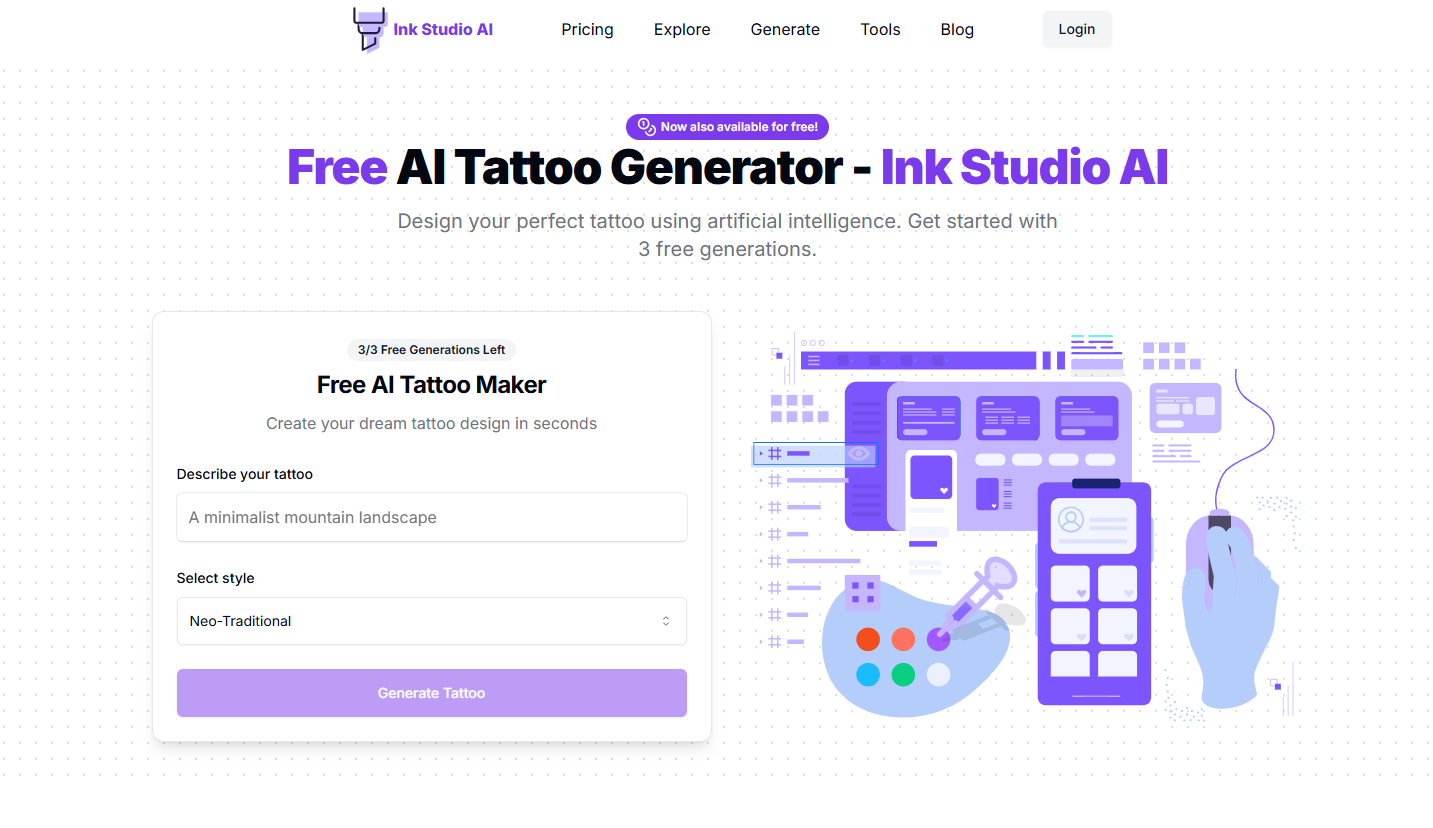
- Provides a diverse range of AI-generated tattoo styles
- Generates multiple interpretations from one prompt
- Simple, image-first interface
Cons
- Less fine-tuned control over final output
- "Limited editing capabilities after generation" is not supported by the vendor's own page, which advertises "Generate and refine". Unverified. Note also that three live products share the InkStudioAI name and this article links none of them, so which one is reviewed here cannot be established.
Ideal Users
Best suited for creative explorers and visual thinkers who want to play with ideas quickly. InkStudioAI is ideal for concept development but may require a professional artist to polish the final design.
4. Inkbox
 Pros
Pros
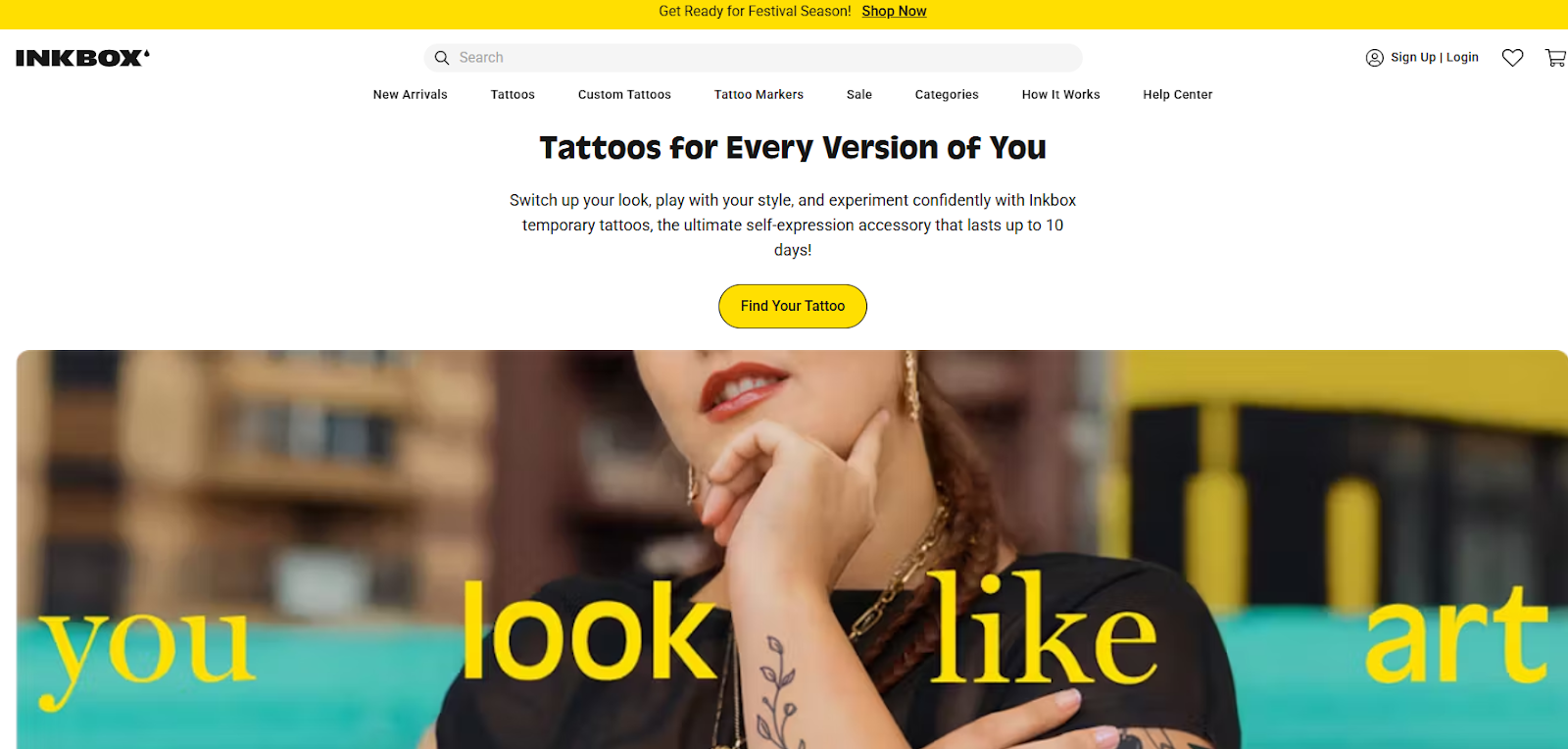
- Temporary tattoos lasting "3-5 days" for classic and "7-14 days" for semi-permanent (Inkbox, retrieved 2026-09-03, SOURCED). "Long-lasting" set the wrong expectation for a 3-5 day product.
- Lets you test-drive your design before going permanent
- Features a large catalog of artist-created designs
Cons
- Primarily focused on temporary tattoos
- Less emphasis on original AI design generation
Ideal Users
Inkbox is for those who want to “try before they ink.” Its system isn’t an AI tattoo maker. It accepts uploads as "PNG or JPG at 300 dpi" and shows static size-reference images (Inkbox, retrieved 2026-09-03, SOURCED). The "preview them on the body" claim implies an AR or photo try-on; the vendor documents no such feature. Ideal for cautious first-timers or commitment-shy users.
5. Soundwave Art
 Pros
Pros
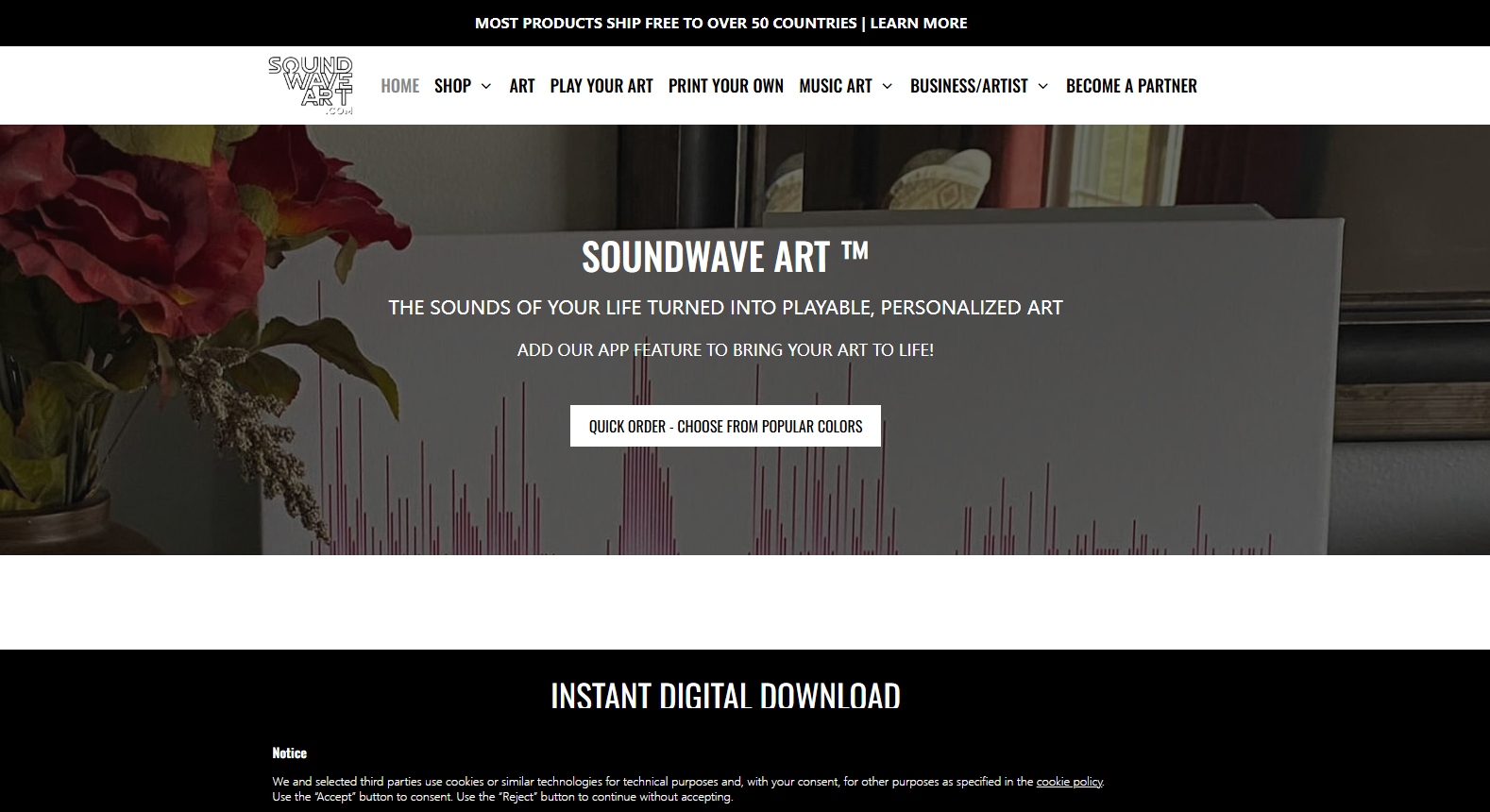
- Unique approach by turning audio clips into visual tattoo designs
- Not scannable. Soundwave Art's own page states, in italics, that "Soundwave tattoos are visual artwork only. They can't be scanned or played back using our app or any other tool" (Soundwave Art, retrieved 2026-09-03, SOURCED). An earlier version of this article said the opposite.
- High sentimental value for personal messages, music, or voices
Cons
- Limited stylistic variety—most designs are waveforms
- An earlier version of this article said an app is required to scan and play the tattoo. There is nothing to scan — see above. If you want a tattoo that plays audio, that is Skin Motion, further down this list.
Ideal Users
Great for sentimentalists and those wanting to ink a memory, voice message, or song. It’s less about visual diversity and more about emotional depth and multimedia interaction.
6. Skin Motion
Pros
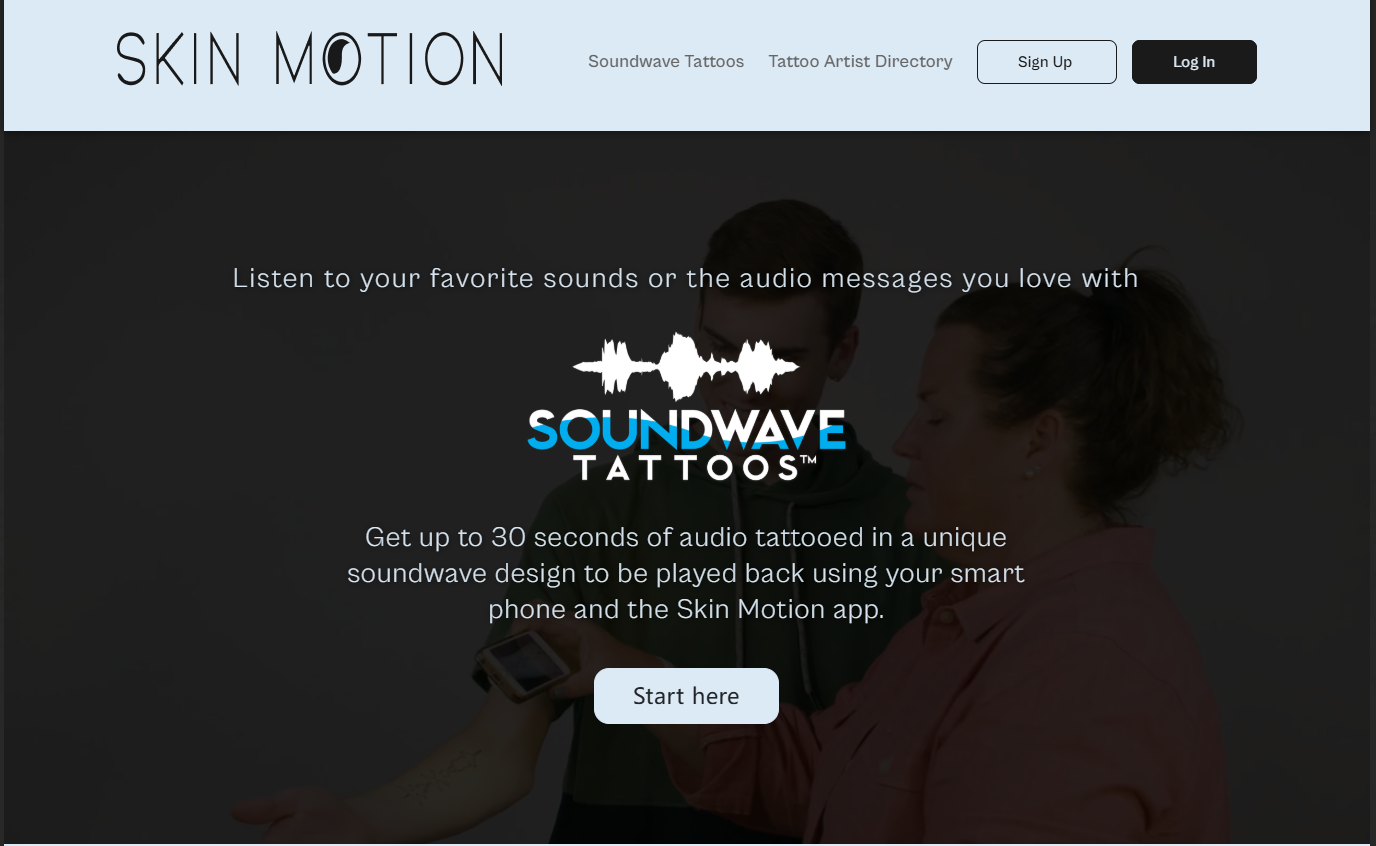
- Converts sound into waveform tattoos that can be played back via app
- Offers certified tattoo artist directory for implementation
- Clear user flow and app integration
Cons
- Only works with its own app for sound playback
- Limited design variation beyond soundwaves
Ideal Users
Much like Soundwave Art, Skin Motion is perfect for those who want a tech-meets-ink experience. It's ideal for people who value novelty and storytelling over traditional visual art.
Final Thoughts: Navigating the Future of AI Tattoo Design
AI tattoo makers are not just a passing trend—they’re redefining the way we approach body art. From conceptual exploration to photo-based designs and soundwave ink, these platforms cater to a wide range of artistic needs and personal expressions. Among them, tools like Inker AI quietly stand out for their balance of functionality, artistic intelligence, and user-friendliness. Without forcing creativity into a box, it lets ideas breathe—turning your thoughts, memories, and images into something personal and permanent. No matter where you are on your ink journey, AI can now be your collaborator.
How This Guide Was Sourced
Written and maintained by the LogicBalls editorial team (logicballs.com). Disclosure: LogicBalls builds AI writing tools. No vendor here paid for placement, and this article contains no affiliate or referral link — all outbound URLs were checked for tracking parameters on 2026-09-03 and carry none.
AI involvement. This article was AI-assisted. Every product claim was re-read at the vendor's own site on 2026-09-03. Nothing was deleted: claims that proved wrong were corrected in place with the earlier wording named.
Two statements about Soundwave Art were the reverse of the truth. This article said the tattoos are scannable and that an app is needed to play them. The vendor's own page says, in italics, that they "can't be scanned or played back using our app or any other tool". If you were choosing Soundwave Art for a playable tattoo, the product you want is Skin Motion.
Three of the six are not AI generators. Inkbox, Soundwave Art and Skin Motion publish no AI generation feature. They are a temporary-tattoo printer, a waveform-art service and an audio-activated tattoo platform respectively — all real, all useful, none of them an "AI tattoo maker". Only Inker AI, Tattoos.AI and InkStudioAI belong in that category.
One citation pointed at nothing. The single link to Tattoos.AI returned HTTP 410 Gone — the vendor removed that page. It now points at the site root.
No prices appear anywhere in this article, though four of the six vendors publish them openly. That is a gap rather than an error, and worth knowing before you treat the ordering as a recommendation: Inker AI takes the first slot, holds the only introduction link, and is the sole product named in the conclusion.
No LogicBalls telemetry is used in this guide.
Related reading
Related Articles
 AI slide maker11 Best AI Presentation Generators & Slide Makers Tested (2027 Review)Discover the best AI presentation generators of 2027. Compare 11 tested tools for PowerPoint and Google Slides based on speed, exports, pricing, and features.Ankit Agarwal14 min read
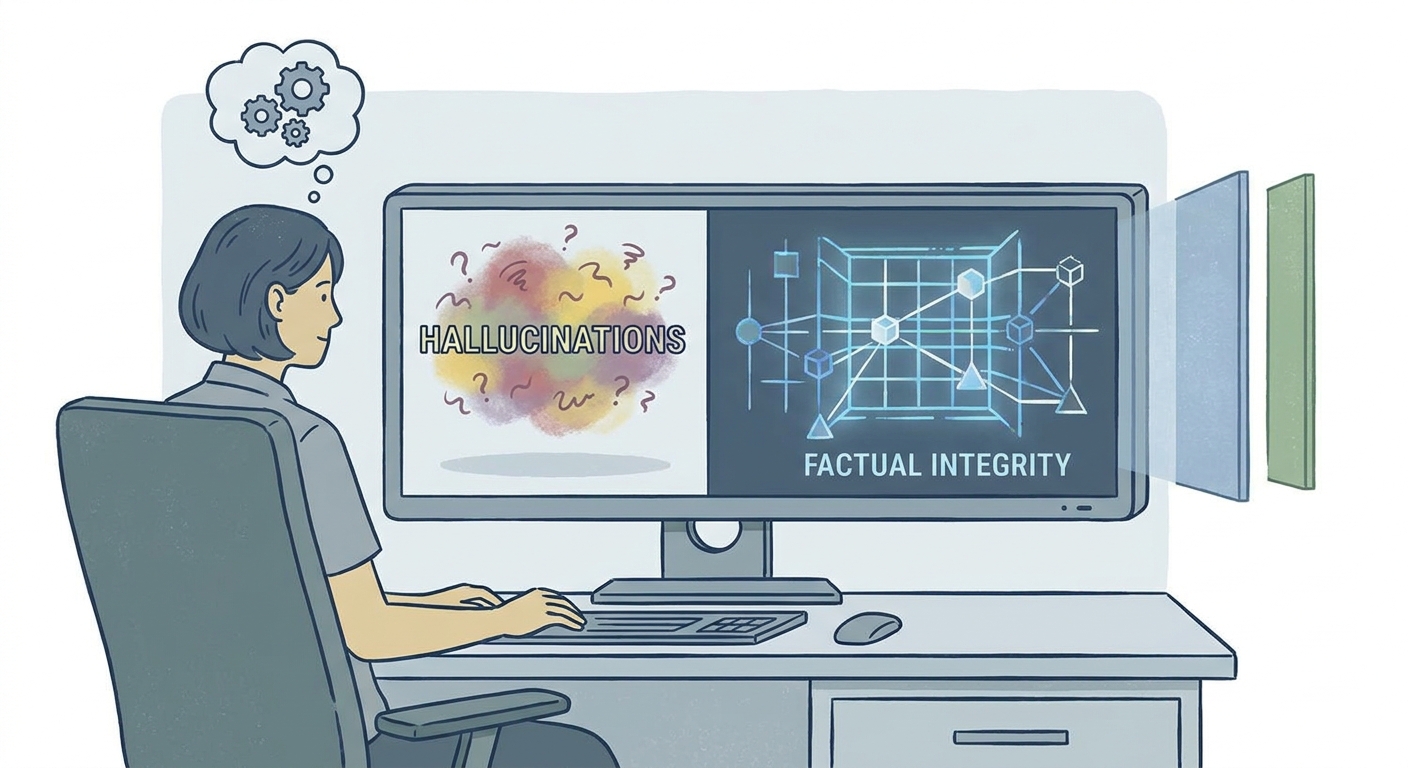 Anti-Hallucination AI ToolsFree vs Paid Anti-Hallucination AI Tools: Is LogicBalls Worth It Over the Rest?Are free AI tools costing you your credibility? Discover why professional anti-hallucination tools like LogicBalls are essential for factual integrity in 2026.Govind Kumar6 min read
- asana alternativesAsana Alternatives: 7 Tools for Teams Hitting Asana's LimitsLeaving Asana over price, time tracking or docs? Seven alternatives grouped by why teams switch, with October 2026 pricing and a migration checklist.Govind Kumar11 min read
- email finderBest Email Finder Tools: 8 Options Ranked by Cost per Verified EmailHunter is cheapest per found email, FullEnrich finds the most by querying many providers, and Lusha suits phone-first teams. Costs per email compared.Ankit Agarwal12 min read