Vear.com Is Everything You Need In One AI Chatbot Hub
free AI chatbotAI hubmulti-model AI
 Pratham Panchariya
Updated 8 min readHow we fact-check
Paying for multiple ai tools not only wastes time, but can be expensive, especially when premium models are stuck behind paywalls. Vear.com puts all major ai models under one roof, so you can use premium versions of all offerings from OpenAI, Anthropic, Google, DeepSeek, and even Grok - all in one browser tab for FREE. The model list has moved on since this article was written. As of 2026-09-03 the live selector carries Grok-4 and Grok-4.1, GPT-5, Claude-4-Opus and Claude-4-Sonnet, DeepSeek V3 and R1, across roughly 31 variants from five providers (Vear, retrieved 2026-09-03, SOURCED). ANALYSIS — an earlier version of this article named GPT-4, Claude 3 Sonnet and Gemini 1.5 Pro. None of those three strings appears on the site today; the section was written against a 2024-era lineup and never rechecked. Model names are the fastest-rotting fact on this blog, which is why this one carries a retrieval date. And yes, it's as awesome as it sounds, especially once you try their multi model feature, which I'll discuss in more detail later.
Vear is a chat hub that lets you choose any ai model that you want to respond to you, so you don't have to visit separate sites or apps individually. It has a straightforward interface that includes just a chat box and drop-down menu, and if you've used any chatbot before you’ll appreciate the simplicity of Vear. It's easy just typing your question, choosing your preferred chatbot, and hitting send. Your answer will appear just as quickly as if you were using the ai's own dedicated site.
Vear handles the technical stuff, so you don’t need separate logins, api tokens, or subscriptions to any provider. You can ask a question on Vear, then switch to a different provider's model for the next question without holding a separate subscription with each lab. In fact, Vear includes over twenty model variants across the five top providers, so pretty much every major ai chat model out there right now is available to you. This includes models like GPT-5, Claude-4-Opus, Grok-4 and DeepSeek V3 (Vear, retrieved 2026-09-03, SOURCED). An earlier version listed GPT-4, Claude 3 Opus, Gemini 1.5 Pro and "DeepSeek V3.1" — the last of which is not a version the site offers.
ANALYSIS — this was wrong, and it is the correction that matters most here. Vear's own terms state that "Vear offers free and premium ("Pro") subscription plans with various usage limits and features", and that paid subscriptions "will automatically renew" (Vear, retrieved 2026-09-03, SOURCED). An earlier version of this article said Vear is "100% free to use" with "no hidden fees or premium tiers". There is a paid tier, and it auto-renews. The free tier is real and useful; it is not the whole product. Even models that normally require payment or a special invite elsewhere can be used on Vear for free. Guests hit a daily cap quickly — the site's own prompt reads "You've used 5 chats today. Please signup to increase the limit." (Vear, retrieved 2026-09-03, SOURCED). An earlier version of this article guessed "around 10-15 queries per day". The real guest limit is 5. Signing up with an email and password raises the limit — the site says signup will "increase the limit", not remove it, and Pro-tier features remain gated (retrieved 2026-09-03, SOURCED). An earlier version of this article said signup "unlocks unlimited chats and full access to everything". It does not. No ads pop up either!
The coolest part of Vear (in my opinion) is its Multi-Model mode, which allows you to ask up to four different ai models the exact same question at the same time, then combine their answers into one.
Let’s say I'm looking for advice on a complex topic, like a coding question. I can toggle on multi-model mode in Vear, select four ai models, and submit my question once. Vear will send my question to all four ais at the same time and I'll see each of their responses come in, one after the other, within the chat. Since each ai has different strengths and personalities, I’ll get different perspectives from each one without having to hop between apps or retype my question.
After the four models answer, I can have a fifth ai model merge those four responses into one answer. It reads all the answers and produces a final summary, which saves me from comparing and combining them myself.
When I tried asking that tricky coding question using multi model, each model pointed out a different possible bug in my code which helped me catch all the issues without missing anything.
One thing to keep in mind is that when you use this mode it does take a few seconds longer than a single ai response would, but in my experience, it's only a brief extra wait - maybe a couple more seconds for the combiner to finish doing its thing. I don’t know if this is just me though, because I have seen others online say that their responses from Vear come in at the same speed as using a single model, so it could just be my connection. Either way, it’s worth it considering the time and money you’re saving.
My Experience
I've been using Vear regularly for several weeks now, and it's honestly become my favorite thing.
To begin with, it’s insanely simple to use - there's one text box to type your question and a couple of dropdown menus to pick your ai models so even if you're brand new to ai chats, the learning curve is near zero.
It’s also super convenient to switch between different ais within the same chat session. Vear keeps the chat context regardless of which model you use, so you can continue a discussion with a new ai without starting over, and because all my interactions with various models happen on Vear, all my chats are saved in one place, so I no longer have to dig through separate chat histories on different websites - I can scroll back or search through past conversations, no matter which ai I was using at the time.
In terms of speed and reliability, Vear has impressed me. Individual responses come back as quickly as they do on their own platforms, and with multi-model, as I mentioned, there's a slight delay for gathering multiple answers, but it's nothing painful. I was actually expecting more lag, but so far I haven't encountered any major bugs or errors. I did notice that sometimes the model selection dropdown could be a little slow to populate, but it wasn't a big deal.
The biggest practical benefit is that I'm saving money. Lots and lots of money. Before Vear, if I wanted access to both GPT-5 and Claude 4, I'd need to pay for multiple subscriptions or api usage but with Vear, I have free access to all of them, and considering that in a given week I might use half a dozen different ai models depending on what I'm doing, I’m effectively saving hundreds of dollars a month. For students or professionals who can't justify paying for every new ai tool, Vear is a godsend.
Any downsides? Honestly, I have to nitpick to find much wrong. The platform is relatively new, so the ui is very simple and a bit utilitarian – meaning it's functional and gets the job done without a lot of fancy design elements – but personally I don't mind a basic look if it gets the job done, and it probably helps keep things fast anyway.
There's also the minor step of needing to create a free account for unlimited use, which is perfectly reasonable since it likely prevents abuse and keeps the service sustainable. I'd take a plain interface and a few seconds' wait over paying for two separate subscriptions. The "$40 a month" figure is this article's own estimate and is not sourced to any provider's published pricing.
If you're serious about getting the most out of ai (or even just love trying out the newest models for fun), I highly recommend giving Vear a try. There's literally nothing to lose except a few minutes of your time to test it out, and a lot to gain in terms of saved time, money, and insight.
How This Guide Was Sourced
Written and maintained by the LogicBalls editorial team (logicballs.com). Disclosure: LogicBalls builds AI writing tools. Vear did not pay for this article, and it contains no affiliate or referral link — the single outbound URL was checked for tracking parameters on 2026-09-03 and carries none.
AI involvement. This article was AI-assisted. Its claims were re-checked against vear.com on 2026-09-03. Nothing was deleted: claims that proved wrong were corrected in place with the earlier wording named.
The central claim was wrong. This article said Vear is "100% free to use" with "no hidden fees or premium tiers". Vear's own terms describe a premium "Pro" plan with usage limits that automatically renews. It also said signing up "unlocks unlimited chats"; the site says signup "increases the limit". And the guest allowance is 5 chats a day, not the 10-15 guessed here. If you chose Vear on the strength of this article believing it had no paid tier, that was our error.
The model list was two generations stale. GPT-4, Claude 3 Sonnet, Claude 3 Opus, Gemini 1.5 Pro and "DeepSeek V3.1" were named; none of those strings is on the site today. Model names, context windows and pricing rot faster than anything else we publish, which is why every model claim here now carries a retrieval date.
What this article is. A single-vendor write-up with a first-person experience section and no comparison set. Read it as one person's impression of one product, not as a survey. The timing observations in it were never measured against a stopwatch or a control.
No LogicBalls telemetry is used in this guide.
Related reading
Related Articles
 structured dataFree FAQ Schema Generator (And Why Google Removed the FAQ Rich Result)Copy-paste FAQPage JSON-LD plus a generator script — and the part most guides have not updated: Google stopped showing the FAQ rich result on 7 May 2026 and deleted the documentation in June.Ankit Agarwal7 min read
 prompting50 Prompts That Make AI Ask Before It Assumes (Free Swipe File)Fifty copy-paste lines that make a model ask a clarifying question, stay inside material you supplied, or mark what it is unsure of — grouped by the failure each one targets.Ankit Agarwal9 min read
 fact checkingFree AI Fact-Check Checklist: 42 Checks Before You PublishThe 42-item checklist we run on every AI-assisted draft, grouped into nine gates in the order that catches the most for the least work. Copy it, no email required.Ankit Agarwal10 min read
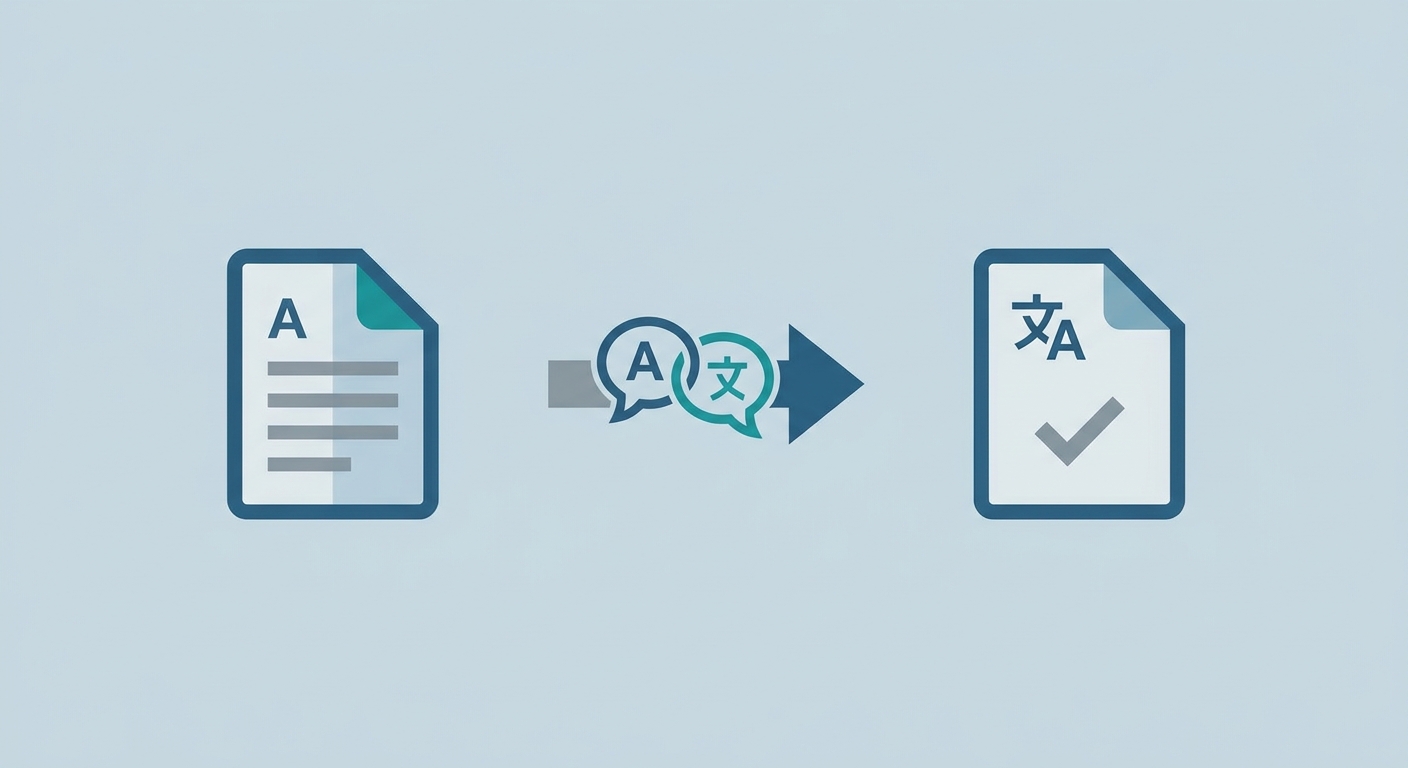 PDF translatorHow to Add a Free PDF Translator to Your Everyday Document WorkflowStop wasting time on manual document translation. Learn how to integrate a free, efficient PDF translator into your daily workflow to boost productivity today.Hitesh Kumawat8 min read