Google’s AI Search Update: Expanding AI Overviews and Introducing AI Mode
 Ankit AgarwalMarketing Head
Updated 5 min readHow we fact-check
On this page
Google has recently announced significant upgrades to its AI Overviews and introduced an experimental AI Mode, marking a new milestone in AI-powered search. These advancements promise faster, higher-quality responses and enhanced reasoning capabilities, making complex queries easier to tackle.
Key Updates
The Gemini 2.0 Upgrade: A New Era of AI Overviews
Google’s latest update enhances AI Overviews with Gemini 2.0, enabling it to tackle complex queries such as coding challenges, advanced math, and multimodal searches with unprecedented speed and quality. This upgrade is designed to:
- Deliver rapid and precise answers: Handling intricate queries by integrating advanced reasoning capabilities.
- Expand accessibility: Now available to a broader audience, including teens, without the need for sign-in.
- Improve information retrieval: Using a “query fan-out” approach to consolidate multiple data sources for comprehensive responses.
- AI Mode (Labs): A ChatGPT-like experience within Google Search for multi-step reasoning, comparisons, and follow-up questions (e.g., “Compare sleep trackers and suggest nearby stores”).
- Query Fan-Out: Google describes AI Mode as using "a 'query fan-out' technique, issuing multiple related searches concurrently across subtopics" (Google, (retrieved 2026-09-02) SOURCED) — concurrent searches across subtopics, not queries against a list of named data sources.
Introducing AI Mode: Advanced Search for Complex Queries
Alongside Gemini 2.0, Google is testing a revolutionary feature called AI Mode. This experimental mode is built to:
- Enhance user experience: Provide detailed, AI-powered responses that go beyond traditional search results.
- Support multi-part questions: Allowing users to ask follow-up questions for deeper insights and comparisons.
- Leverage real-time data: Integrating fresh information from the Knowledge Graph and other dynamic sources to ensure content relevance.
Why This Matters for LogicBalls AI Users
For marketers, SEO specialists, and content creators using LogicBalls AI, these advancements are a goldmine. Here’s how:
- Enhanced Content Quality: With more precise and data-driven responses, your content can incorporate cutting-edge insights that resonate with modern audiences.
- Streamlined Research: Save time and effort as Google’s upgraded AI features simplify the research process, making it easier to generate high-quality articles, blog posts, and social media content.
- SEO Optimization: Utilize richer, AI-powered insights to create engaging content that ranks higher on search engines. Incorporate trending keywords like Gemini 2.0, AI Mode, Google Search AI, and content creation to boost your online presence.
Why This Matters for Marketers & SEOs
- Traffic Threats: AI Overviews answer many informational queries directly, reducing clicks through to websites. ANALYSIS — an earlier version of this article gave a specific percentage with no source; it has been removed. For a measured figure on the click impact, see Ahrefs' study finding a 58% lower average clickthrough rate for the top-ranking page when an AI Overview is present.
- Opportunities:
- Featured Snippets 2.0: Optimize content for Gemini’s “reasoning pathways” – use clear headers, FAQs, and data tables.
- Real-Time Relevance: AI Mode prioritizes fresh, authoritative sources. Update blogs quarterly and leverage trending keywords.
- Multimedia: AI Overviews frequently include images and video. ANALYSIS — an earlier version gave a specific share with no source, and recommended schema markup for the purpose; Google states no special structured data is needed for these features. Write useful alt text because it serves readers and accessibility, not as an AI-search tactic
Immediate Actions to Stay Visible
-
- Example: “How to optimize landing pages for AI Overviews vs. traditional SEO” instead of “SEO tips”.
- Structure Content for “Fan-Out” Crawling
- Use bullet points, comparison tables, and step-by-step guides to feed Gemini’s multi-source synthesis5.
- There is no special optimisation for these features
- Google states: "There are no additional requirements to appear in AI Overviews or AI Mode, nor other special optimizations necessary," and "there's also no special schema.org structured data that you need to add" (Google Search Central, (retrieved 2026-09-02) SOURCED). SOURCED ANALYSIS — an earlier version of this article recommended Knowledge Panel and structured-data work for AI Mode, citing an article that discusses neither.
- Write for natural language
- Conversational phrasing helps readers and suits conversational queries. ANALYSIS — an earlier version claimed a majority of AI Mode queries are voice-first and used that to recommend one of our own tools. Google publishes no modality breakdown for AI Mode, which was an unreleased experiment at the time described.
Your 4-Step Action Plan
1. Write Like a Teacher, Not a Salesperson
- Before: “Top 5 CRM Tools”
- Now: “How to choose between HubSpot vs. Salesforce if you have 10+ sales reps but a tight budget”
- Tool Hack: Use LogicBalls’ “Question Expander” to turn basic topics into 50+ specific questions real people ask.
2. Become the “Wikipedia” of Your Niche Google’s AI hunts for trustworthy sources. Update old posts every 3 months:
- Add 2025 stats
- Link to .gov/.edu sites
- Use tables/charts (AI loves these!)
3. Write the way people ask Conversational queries are common in AI search. Write like you're explaining to a friend:
- Bad: “SEO optimization techniques”
- Good: “Alexa, how do I make my bakery’s website show up first?”
4. Feed the AI (But Stay Human)
- Do: Answer “vs” questions (WordPress vs. Wix)
- Don’t: Try to outwrite AI on basic facts
- Example: A realtor’s blog could target: “Why vintage homes in Phoenix sell faster with 3D tours (2025 data)”
Related reading
Related Articles
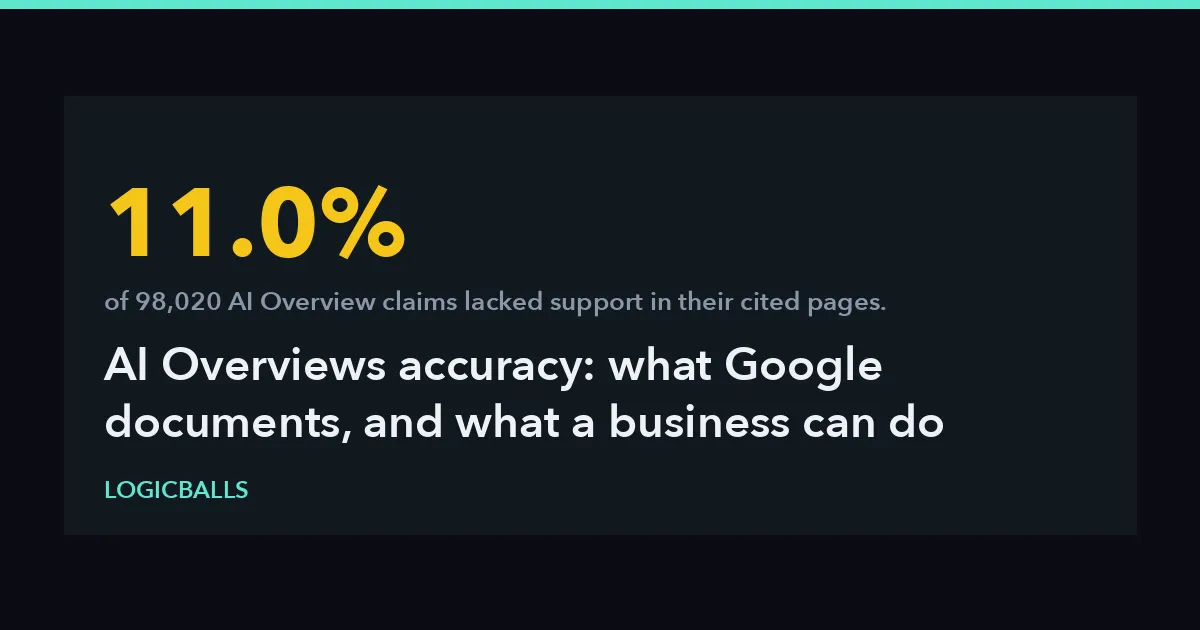 AI OverviewsAI Overviews Accuracy: What Google Documents, and What a Business Can Do When It Is WrongGoogle says AI Overviews can and will make mistakes. What its own documentation names as failure modes, what a 98,020-claim study measured, and the routes a business actually has.Ankit Agarwal10 min read
 AI SEOWhat is AI SEO? Complete Guide to AI-Powered Search Optimization in 2026Stop chasing keywords. Learn how to optimize for AI Overviews, LLMs, and Answer Engine Optimization (AEO) to stay visible in the era of zero-click search.Ankit Agarwal6 min read
 AI link building7 Best Link Building Services for LLM Citations and AI Visibility (2027)Struggling to get your brand cited by AI models? Discover the top 7 link building services to boost your AI visibility and search authority in 2027. Read now.Ankit Agarwal10 min read
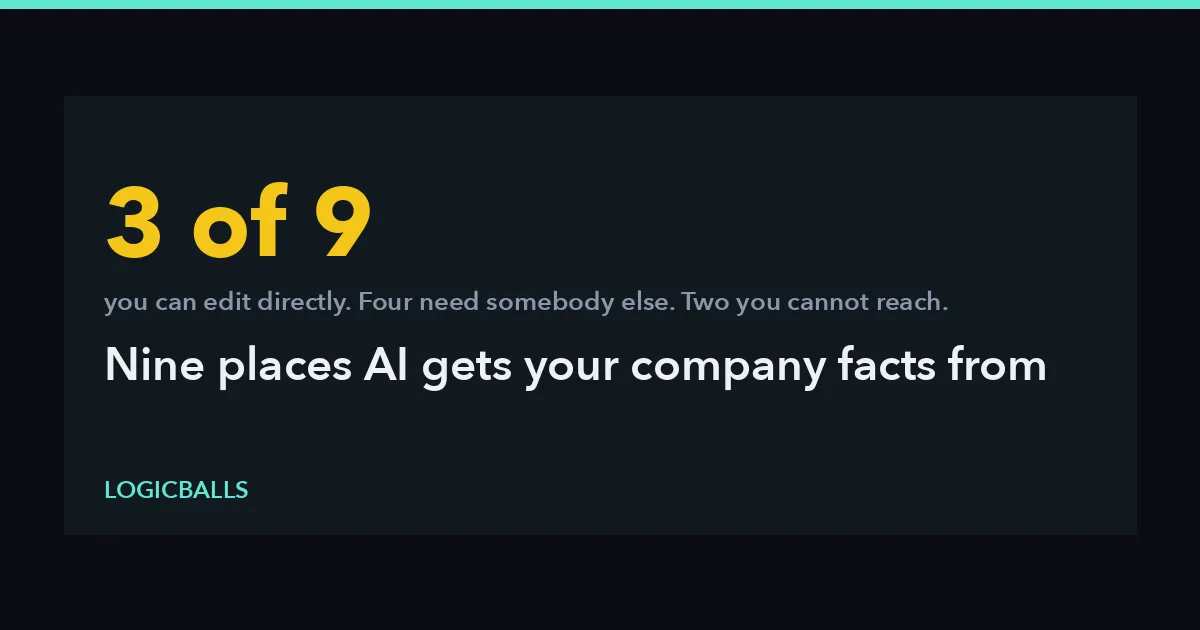 brand reputation9 Places AI Gets Your Company Facts From (And How to Fix Each)The nine sources an assistant can draw a company fact from, what each provider documents about how it reaches a model, and which ones you can change — sorted by how much control you have.Ankit Agarwal13 min read