The 14 Best Online Form Builder Apps


Key Takeaways
Online form builders help you create forms and surveys easily without coding.
Different tools are available for beginners, small businesses, and large teams.
Drag-and-drop builders and templates save time and effort.
Many form builders offer free plans to get started.
The best tool depends on your needs, budget, and features required.
Introduction
Welcome to our guide to the Best Online Form Builder Apps. This blog makes it easy to find the right tools to create forms and surveys, collect answers, and save time. We explain each app in simple words — what it does best, how easy it is to use, and how much it costs.
Whether you’re a teacher collecting student responses, a small business gathering customer feedback, or a marketer capturing leads, this guide gives clear tips and short reviews to help you choose quickly. Read on to compare drag-and-drop builders, templates, payment options, and advanced features — all in one place to help you pick the best fit.
Creating forms has never been easier or more essential for businesses looking to gather feedback, streamline data collection, and enhance customer engagement. Whether you're an educator needing to collect responses from students, a marketer gathering leads, or a business owner seeking customer insights, the right form builder can make a world of difference. In this article, we explore the top 14 online form builder apps that stand out for their features, ease of use, and overall value.
Quick Look
WPForms
Formidable Forms
Gravity Forms
Ninja Forms
Google Forms
Jotform
Microsoft Forms
Cognito Forms
Formstack
Typeform
Fillout
Woorise
SurveyLegend
Wufoo
Choosing the best online form builder is essential to enhance operational efficiency and data collection. These tools simplify the creation of forms, enabling businesses to gather insights, conduct surveys, and automate collection processes without needing coding skills. Whether you’re looking for advanced analytics or simple drag-and-drop functionality, this guide will help you make an informed choice.
Comparison Table
| Tool Name | Best For | Free Plan / Trial | Starting Price |
|---|---|---|---|
| WPForms | WordPress users wanting easy form creation | Yes | $199.50/year |
| Formidable Forms | Users seeking advanced customization options | Yes | $199.50/year |
| Gravity Forms | Enterprises needing robust form features | No | $259/year |
| Ninja Forms | Flexible form solutions for WordPress | Yes | $199/year |
| Google Forms | Casual users needing quick and easy forms | Yes | Free |
| Jotform | Users wanting a wide range of templates | Yes | $39/month |
| Microsoft Forms | Users in the Microsoft ecosystem | Yes | Free with Office 365 |
| Cognito Forms | Users needing advanced features at low costs | Yes | $15/month |
| Formstack | Enterprises focused on compliance | Yes | $59/month |
| Typeform | Engaging surveys and forms | Yes | $29/month |
| Fillout | Startups needing both simple forms and advanced features | Yes | $15/month |
| Woorise | Integrated lead capture and engagement | Yes | $29/month |
| SurveyLegend | Users wanting interactive surveys | Yes | $19/month |
| Wufoo | Established tool for forms | Yes | $19/month |
Wufoo
Established tool for forms
Yes
$19/month
1. WPForms
Best for: WordPress users wanting easy form creation.
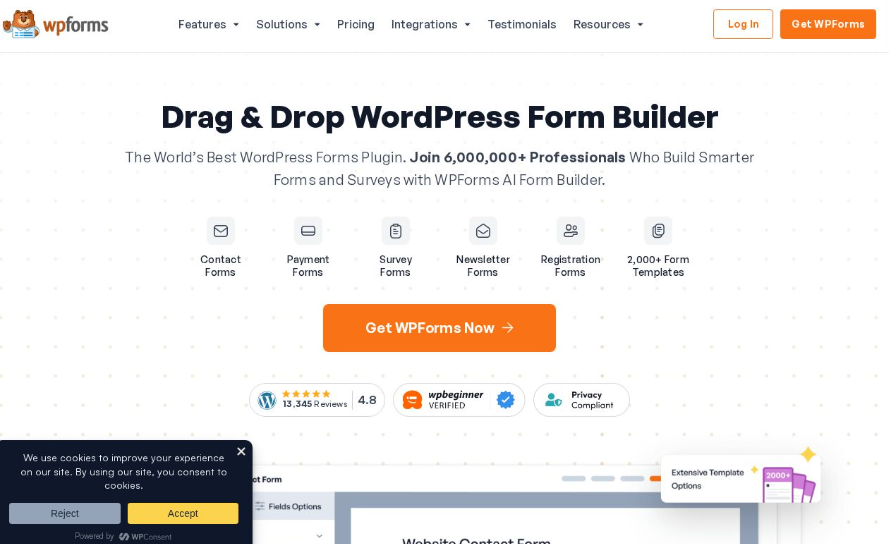
WPForms is an excellent solution for WordPress users looking for an easy-to-use yet powerful form builder. With over 2,000 templates to choose from, users can quickly build forms tailored to their specific needs. WPForms supports features like conversational forms, conditional logic, and seamless integration with payment gateways such as Stripe and PayPal. This versatility makes it ideal for businesses of all sizes.
Pricing Summary
Free Plan: Yes
Paid Plan: Starts from $199.50/year
Pros:
Simple drag-and-drop interface
Extensive selection of pre-built templates
Strong support for payment integrations
Cons:
The pricing plan can be costly for premium features
Limited functionality in the free version
2. Formidable Forms
Best for: Users seeking advanced customization options.
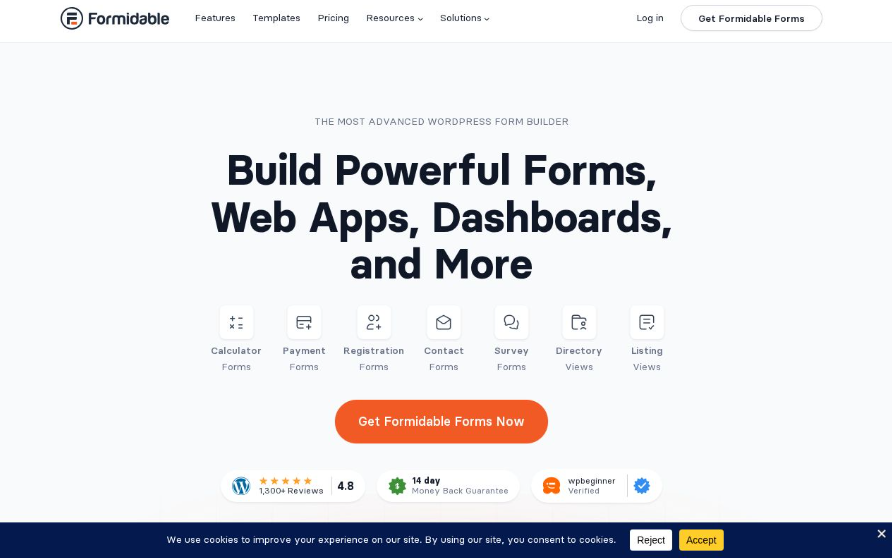
Formidable Forms is recognized for its advanced customization capabilities. This plugin offers a drag-and-drop builder, as well as powerful analytics tools. Users can create multi-step forms, perform calculations, and design highly interactive forms tailored to their needs. This makes it a preferred choice for users who want a mix of simplicity and depth.
Pricing Summary
Free Plan: Yes
Paid Plan: Starts from $199.50/year
Pros:
Powerful calculation capability
Advanced analytics features
Support for multi-step forms enhances user experience
Cons:
The learning curve may be steeper for beginners
Some advanced features come at a higher price point
3. Gravity Forms
Best for: Enterprises needing robust form features.
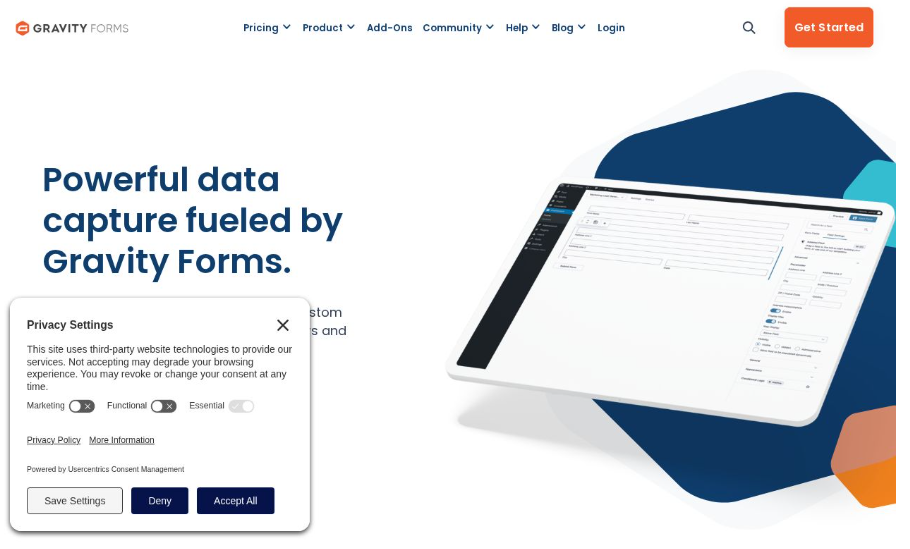
Gravity Forms is a solid entry-level plugin for WordPress, fitting enterprises seeking robust features and diverse integrations. With capabilities such as multi-column fields and conditional logic, it allows users to create complex forms without compromising ease of use. Gravity Forms is trusted for its reliability and constant updates.
Pricing Summary
Free Plan: Not available
Paid Plan: Starts from $259/year
Pros:
Strong integration options with third-party apps
Advanced logic capabilities improve data collection
Regular updates enhance security features
Cons:
Higher starting price compared to similar products
No free version available
4. Ninja Forms
Best for: Flexible form solutions for WordPress.
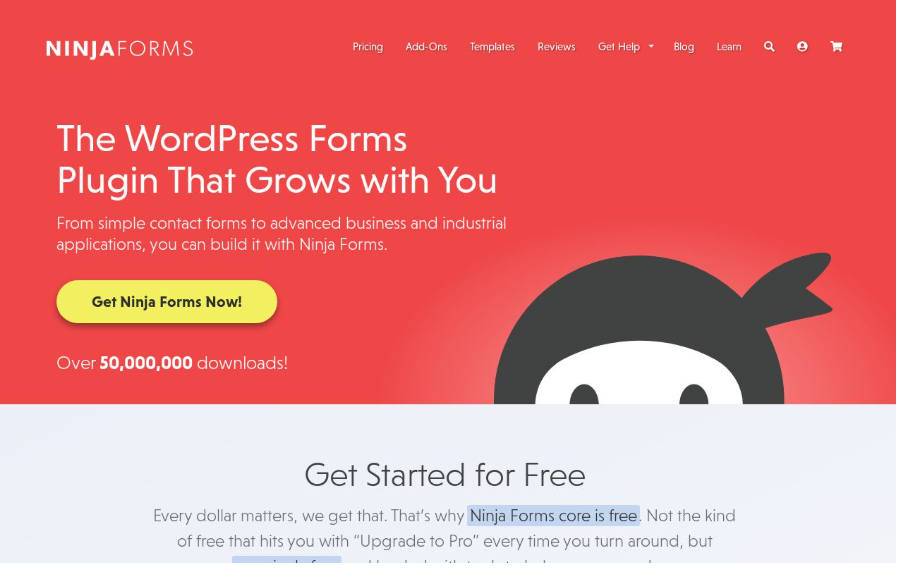
Ninja Forms boasts a user-friendly drag-and-drop builder suitable for creating highly customizable forms. This plugin allows businesses to develop forms that seamlessly integrate with their websites and workflows. With options for basic calculations and customizable templates, it is well-suited for users who want flexibility without complexity.
Pricing Summary
Free Plan: Yes
Paid Plan: Starts from $199/year
Pros:
User-friendly interface makes setup quick
Good array of customizable templates
Ability to handle basic calculations
Cons:
Some advanced features require additional purchases
Limited support options in the free version
5. Google Forms
Best for: Casual users needing quick and easy forms.
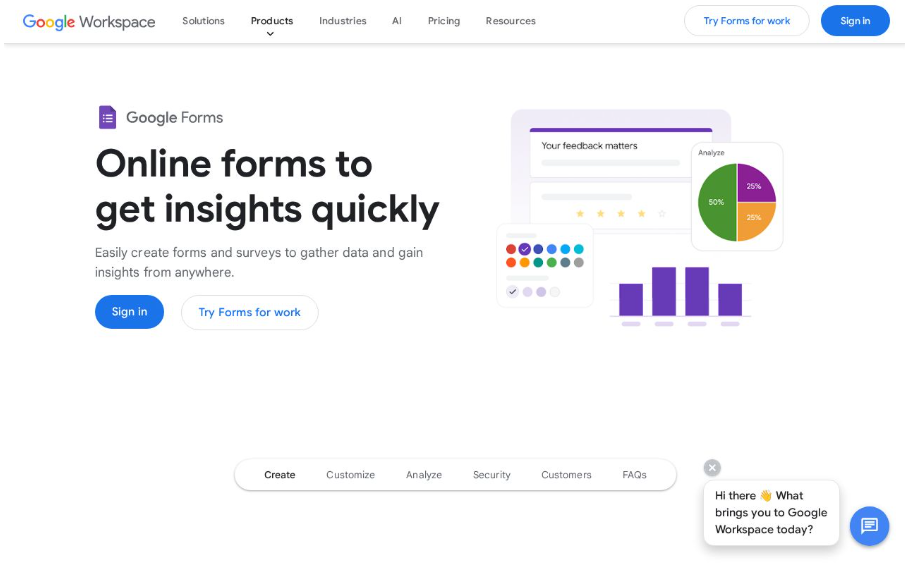
Google Forms' standout feature is that it’s completely free and integrates seamlessly with Google Sheets for data management. Ideal for casual users and educators, it offers basic templates that can be set up in minutes. Although lacking in complex features, it performs effectively for straightforward data collection tasks.
Pricing Summary
Free Plan: Yes
Paid Plan: No paid plans; requires Google Workspace for additional features.
Pros:
Absolutely free with full functionality
Easy to share and collaborate
Automatic data gathering in Google Sheets
Cons:
Limited to basic form functionalities
Less customization compared to premium tools
6. Jotform
Best for: Users wanting a wide range of templates.
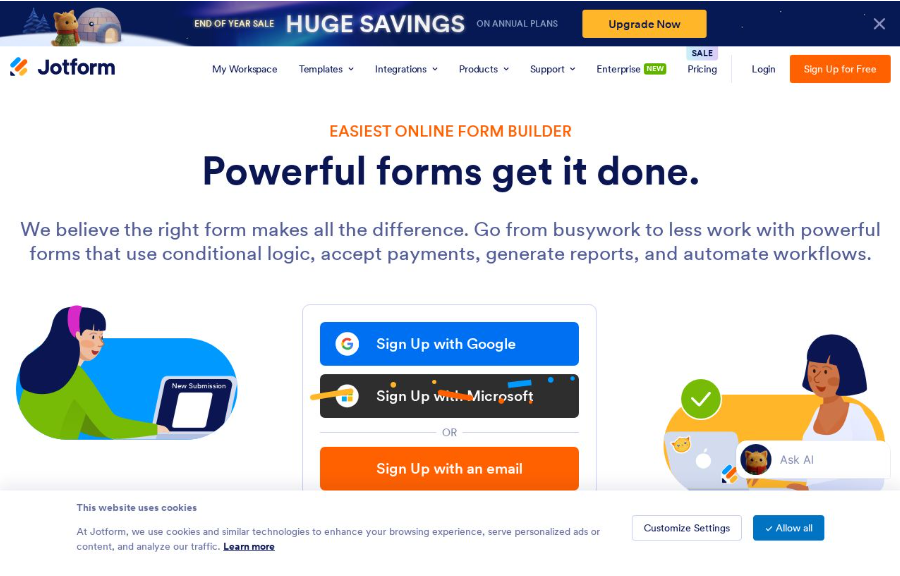
Jotform stands out with thousands of customizable templates for different uses. This tool provides conditional logic and various payment integrations, making it perfect for users looking for flexibility in form design and function. It's especially valuable for businesses that need distinct formats for different collections.
Pricing Summary
Free Plan: Yes
Paid Plan: Starts from $39/month
Pros:
Extensive library of forms and templates
Supports payment processing from various gateways
Strong customer support options
Cons:
Paid plans can be pricey as features scale
The interface can feel cluttered sometimes
7. Microsoft Forms
Best for: Users in the Microsoft ecosystem.
Microsoft Forms is part of the Office 365 suite and offers a simple creation process with real-time tracking and reporting. As such, it is ideal for users already using Microsoft products. The integration with other Microsoft tools enhances its functionality in data analysis and management.
Pricing Summary
Free Plan: Yes with Office 365
Paid Plan: Not applicable; included with Office 365 subscription.
Pros:
Seamless integration with Office 365
User-friendly interface with a clean design
Strong reporting capabilities
Cons:
Limited to users within the Microsoft ecosystem
Fewer features than dedicated form builders
8. Cognito Forms
Best for: Users needing advanced features at low costs.
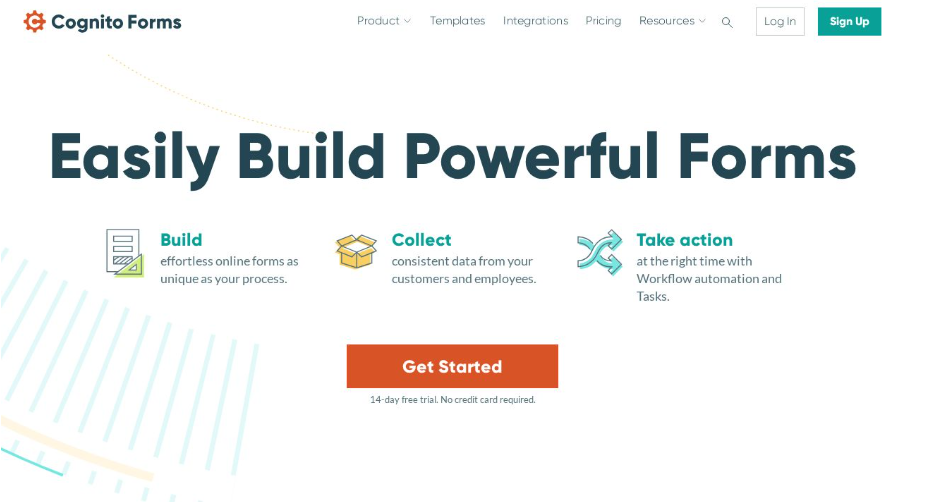
Cognito Forms provides powerful features at competitive pricing. Users can create forms that include calculations, workflows, and conditional logic. Its flexibility allows for advanced functionality without high costs, making it suitable for small businesses and startups looking to optimize their form distribution.
Pricing Summary
Free Plan: Yes
Paid Plan: Starts from $15/month
Pros:
Affordable pricing structure
Advanced features like workflows and conditions
Good customer support options
Cons:
User interface might take some time to master
Limited integrations compared to competitors
9. Formstack
Best for: Enterprises focused on compliance.
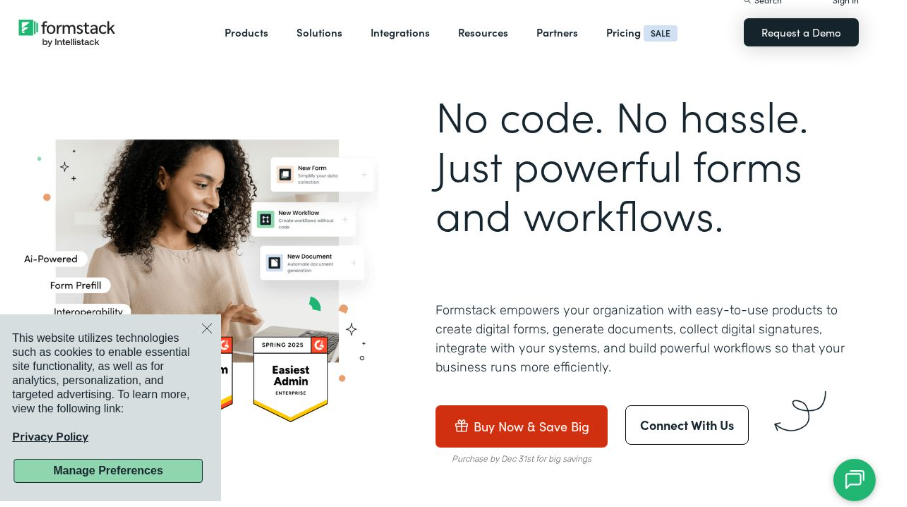
Formstack is known for its advanced analytics, A/B testing features, and an emphasis on compliance (including HIPAA). This makes it ideal for businesses in regulated industries requiring secure data handling. Formstack also integrates with numerous tools, enhancing its usability across various workplace ecosystems.
Pricing Summary
Free Plan: Yes
Paid Plan: Starts from $59/month
Pros:
Enterprise-level security and compliance
Capable of generating thorough analytics
Strong integration capabilities
Cons:
Higher pricing tiers may deter small businesses
The learning curve can be steep for advanced features
10. Typeform
Best for: Engaging surveys and forms.
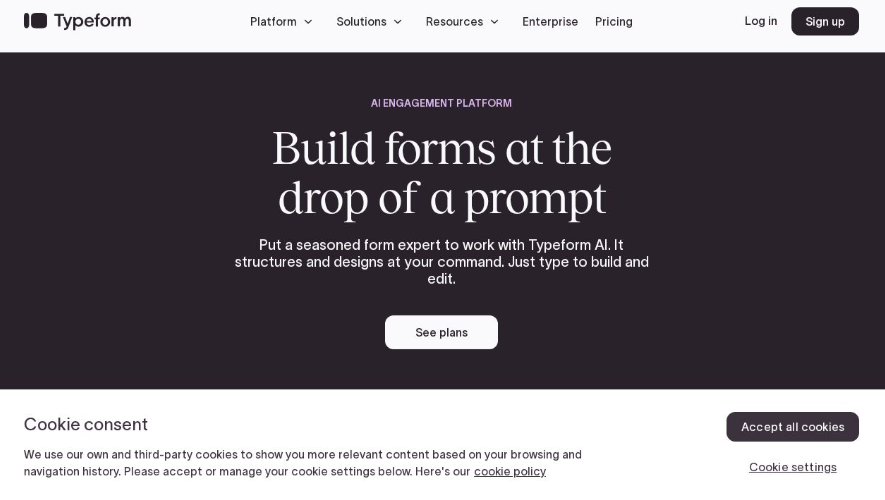
Typeform’s emphasis on conversational forms creates an engaging experience for users. With beautiful designs and an intuitive interface, it’s perfect for market research and customer engagement initiatives. The ability to utilize conditional logic further enhances user interactions.
Pricing Summary
Free Plan: Yes
Paid Plan: Starts from $29/month
Pros:
Highly engaging interface with visual appeal
Supports extensive integrations with tools
Strong customer engagement capabilities
Cons:
Paid plans may become expensive over time
Features are best suited for certain use cases
11. Fillout
Best for: Startups needing both simple forms and advanced features.
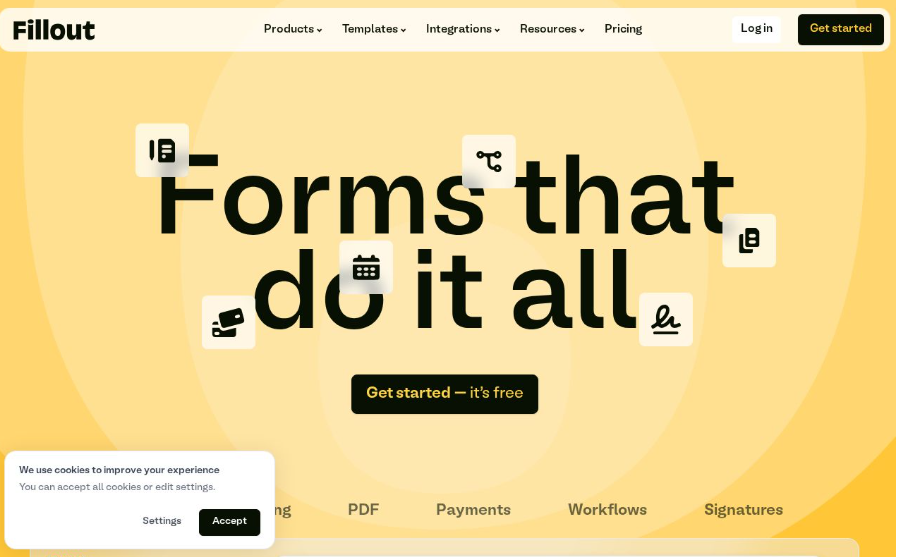
Fillout combines ease of use with advanced functionalities, making it a reliable choice for startups. It offers conditional logic and integrations with major platforms like Stripe and Zapier, allowing businesses to streamline data collection and payment processing.
Pricing Summary
Free Plan: Yes
Paid Plan: Starts from $15/month
Pros:
Flexible with solid feature offerings
Affordable starting prices
Great for startups scaling their operations
Cons:
Limited support resources could hinder user experience
Basic features may not suffice for larger enterprises
12. Woorise
Best for: Integrated lead capture and engagement.
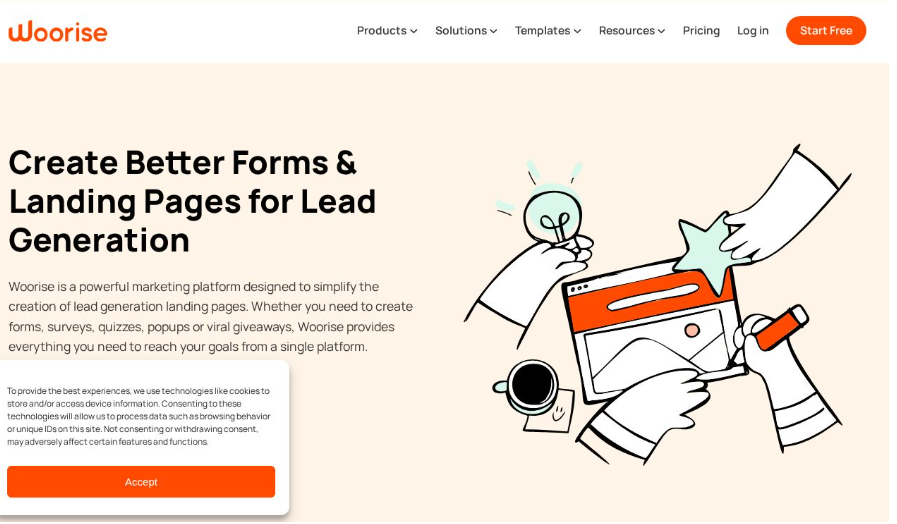
Woorise combines lead capture functionalities with analytics, ideal for businesses looking to engage with users interactively. It supports multiple integrations, enhancing its usability for marketing campaigns and data collection.
Pricing Summary
Free Plan: Yes
Paid Plan: Starts from $29/month
Pros:
Integrated analytics provide actionable insights
User-friendly for both businesses and customers
Supports various integration options
Cons:
Newer on the market; fewer resources available online
Some features may feel unfinished compared to competitors
13. SurveyLegend
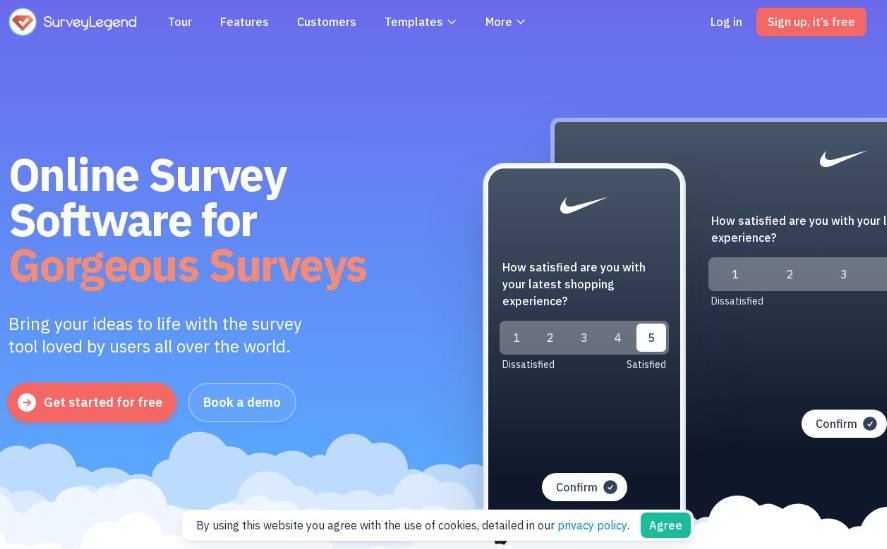
Best for: Users wanting interactive surveys.
SurveyLegend stands out with its support for multi-device surveys, allowing users to engage with audiences where they are. Its easy data management and attractive templates make it excellent for collecting feedback and opinions.
Pricing Summary
Free Plan: Yes
Paid Plan: Starts from $19/month
Pros:
Supports multi-device functionality
Attractive and easy-to-use templates
Good data visualization options
Cons:
Features might be limited for serious data analysts
Premium features can be expensive
14. Wufoo
Best for: Established tool for forms.
Wufoo remains a popular choice, providing a variety of pre-built templates and robust reporting tools. Its payment processing capabilities and straightforward setup make it a trusted resource for teams needing fast, effective forms.
Pricing Summary
Free Plan: Yes
Paid Plan: Starts from $19/month
Pros:
Well-known with established integrations
Simple reporting tools ease data analysis
Extensive support resources available
Cons:
Can appear outdated compared to newer tools
Free tier limitations may be a hindrance
Summary
This curation of the best form builders highlights the versatility and functionality available in today's digital tools. Each option presents unique advantages and pricing, ensuring that whether for casual use or enterprise needs, there is a perfect fit for everyone. Start exploring these tools today to enhance your data collection processes!
FAQs
What are online form builder apps?
Online form builder apps allow users to create and manage electronic forms for data collection, feedback, surveys, and more, often without needing any coding.How do I choose the right form builder for my business?
Consider factors like ease of use, template availability, integration options, desired features (like payment collection), and pricing structures.Can I use these form builders for free?
Many form builders offer free plans with limited features, but premium features generally require a subscription.What types of forms can I create?
Users can create a variety of forms, including contact forms, payment forms, surveys, registration forms, and feedback forms, among others.