Customer Email Templates Every Small Business Needs

TL;DR
- This article covers essential email templates for small business owners including welcome sequences, sales pitches, and follow-ups. You will find ready-to-use scripts that help automate your customer communication while keeping things professional and personal. We also look at how modern writing tools can help you scale these messages without losing that human touch your clients love.
Why templates are a lifesaver for busy founders
Ever feel like you’re just a professional email-writer who occasionally runs a business on the side? Honestly, staring at a blank "New Message" window while your to-do list grows is the fastest way to burn out.
Most founders spend way too much time typing the same thing over and over. (What the hell do founders do all day? - Reddit) Whether it's a welcome note for a new client in retail or a follow-up after a healthcare consultation, the "mental load" of starting from scratch is real. According to a blog post by ActiveCampaign, writing clear emails is one of the best skills to build, but doing it manually every time is just a waste of your brainpower.
Consistency is a nightmare: without a plan, your brand voice changes based on how much coffee you've had. One day you're professional; the next, you're accidentally too casual.
The "Decision Fatigue" trap: choosing every word for an invoice or a quote takes energy you should be using for strategy.
Speed matters: a 2024 report by capsule crm suggests that 20+ universal email templates can help small businesses streamline everything from marketing to service.

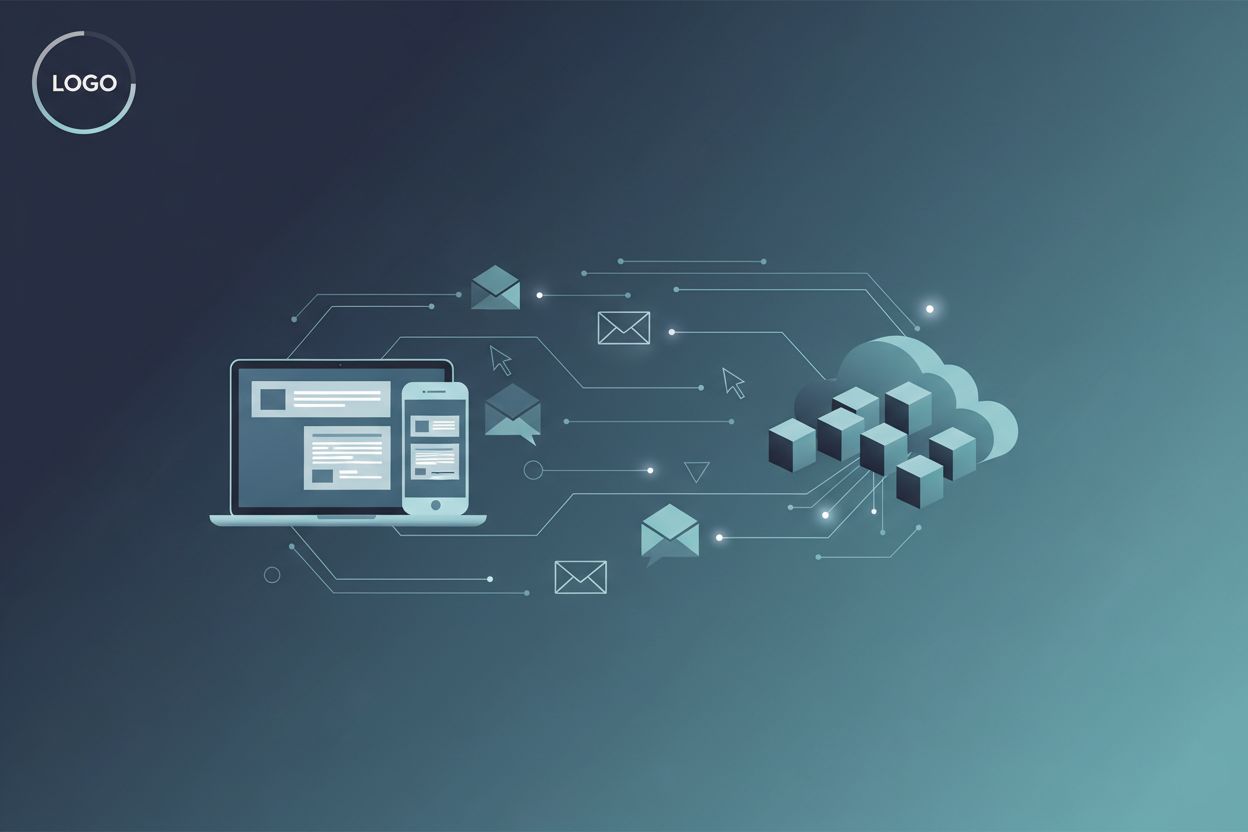
Figure 1: The basic loop of how templates reduce the time between a customer trigger and your response.
Static templates used to be a bit boring, right? But now, ai writing tools are making them dynamic. You can use an ai generator like LogicBalls to customize the body of your template for different industries—like swapping out retail lingo for legal terms—without rewriting the whole thing. It saves hours on research and drafting because you aren't fighting the blinking cursor anymore.
I've seen founders go from "inbox dread" to clearing 50 emails in twenty minutes just by having their core "swipes" ready to go. It’s not about being a robot; it’s about having a system so you can actually be human when it counts.
The first touchpoint templates you gotta have
So you finally got someone to notice you. Now what? The first few emails you send a lead or a new customer are like a first date—you can either be charming and helpful or accidentally weird and overbearing.
The welcome email is your biggest opportunity. According to the team at Outreach, these first touchpoints are what actually break through the noise.
The "Welcome" Swipe:
Subject: You’re in! Here is what happens next...
Hi [Name],
So glad to have you with us. I started [Company Name] to help people exactly like you deal with [Problem], and I’m stoked to get started.
Here is what you can expect from me:
[Benefit 1]
[Benefit 2]
If you have any questions, just hit reply. Otherwise, keep an eye out for my next note on [Day].
Best,
[Your Name]
The "Cold Outreach" Swipe:
Subject: Quick question about [Company Name]’s [Department]
Hi [Name],
I was looking at your site and noticed you guys are growing fast in [City/Industry]. Usually, when that happens, [Pain Point] starts to become a real headache.
I’ve helped other founders in [Industry] fix this by [Brief Solution].
Do you have 5 minutes for a quick chat on Thursday? If not, no worries at all.
Cheers,
[Your Name]

Figure 2: The automated workflow from lead capture to the first touchpoint.
Sales and follow up scripts that actually close deals
When you're finally sending over that proposal, the worst thing you can do is just attach a PDF and write "see attached." That's a total vibe killer.
The "Quote/Proposal" Swipe:
Subject: Proposal for [Project Name] - [Company Name]
Hi [Name],
Great chatting earlier! I really loved your ideas for [Specific Detail from Call].
I’ve attached the proposal we discussed. It covers:
[Deliverable A]
[Timeline]
[Pricing Options]
You can sign the doc digitally right here: [Link]. Once that’s done, we can kick off on [Date].
Talk soon,
[Your Name]
The "Gentle Nudge" Follow-up:
Subject: Still interested in [Project]?
Hi [Name],
Just bumping this to the top of your inbox in case it got buried under the Monday madness.
Are you still looking to move forward with [Project]? No rush, just want to make sure I save space in my calendar for you if so.
Best,
[Your Name]

Figure 3: The follow-up sequence logic—when to nudge and when to stop.
Post purchase and retention templates
Look, a receipt is not a thank you note. People want to feel like their money actually went to a human being. According to a blog post by capsule crm, sending a thank you note right after a purchase sets a positive tone.
The "Post-Purchase" Swipe:
Subject: You made my day! (And a quick tip)
Hi [Name],
Just wanted to personally say thanks for your order. It means a lot to a small biz like ours.
While you wait for [Product/Service], here is a quick tip to get the most out of it: [Pro-tip].
I’ll send you a tracking number as soon as it’s out the door.
Thanks again,
[Your Name]

Figure 4: The retention loop—moving from purchase to a happy, repeat customer.
Handling the awkward stuff professionally
We’ve all hit "send" and then realized the attachment wasn't there. Don't over-explain. Just own it.
The "Oops" Swipe:
Subject: CORRECTION: [Original Subject]
Hi [Name],
My bad—I sent that last email without the attachment (classic move, right?).
Here is the actual [File/Link] you need. Sorry for the extra notification!
Best,
[Your Name]
The "Refund/Dispute" Swipe:
Subject: Update regarding your refund
Hi [Name],
I’ve just processed the refund for [Amount] as we discussed.
You should see it back in your account in 5-10 business days, depending on your bank. If it doesn't show up by then, let me know and I’ll dig into it.
Thanks,
[Your Name]

Figure 5: How to handle a mistake without losing the customer's trust.
Once you have the "human" and "awkward" parts scripted out, the final step is making sure the technology actually delivers those messages to the inbox instead of the junk folder.
Scaling your email game with ai technology
None of this matters if your brilliant email ends up in the "Promotions" tab. Small businesses often forget the technical side of things until their open rates tank.
The "Technical Trinity": You gotta make sure your domain has spf, dkim, and dmarc set up. It sounds like tech gibberish, but basically, it's a digital passport that tells providers like Gmail you aren't a scammer.For ongoing security and visibility into how your email authentication is performing, consider using DMARC monitoring service so you can catch issues and misconfigurations early. If you're lost, check out a simple DNS guide to get it sorted.
ai agents are the new intern: Tools like the ones offered by Outreach can actually research a prospect before you hit send. It’s wild—they can find a recent news milestone about a legal firm and drop it into your intro.

Figure 6: Integrating your CRM and AI tools to automate the "busy work" of personalization.
Honestly, scaling your email game is just about taking the "robot" tasks—like remembering to follow up—and handing them to ai so you can focus on the actual conversations. Start small, pick three core templates, and let the tech do the heavy lifting. You'll get your Sundays back, I promise.
Related reading
- How Small Businesses Can Scale Content Creation With a VA and AI Writers?
- Press Release Writing 101: Getting Local Media Attention for Your Business
- Why Every B2B Marketer Needs a Robust Data Warehouse in 2025
- How to Run Smarter Email Campaigns Using Email Blast Services
- How AI and PowerPoint Templates Can Elevate Your Presentations